
Convert Base64 To Pdf Online For Free
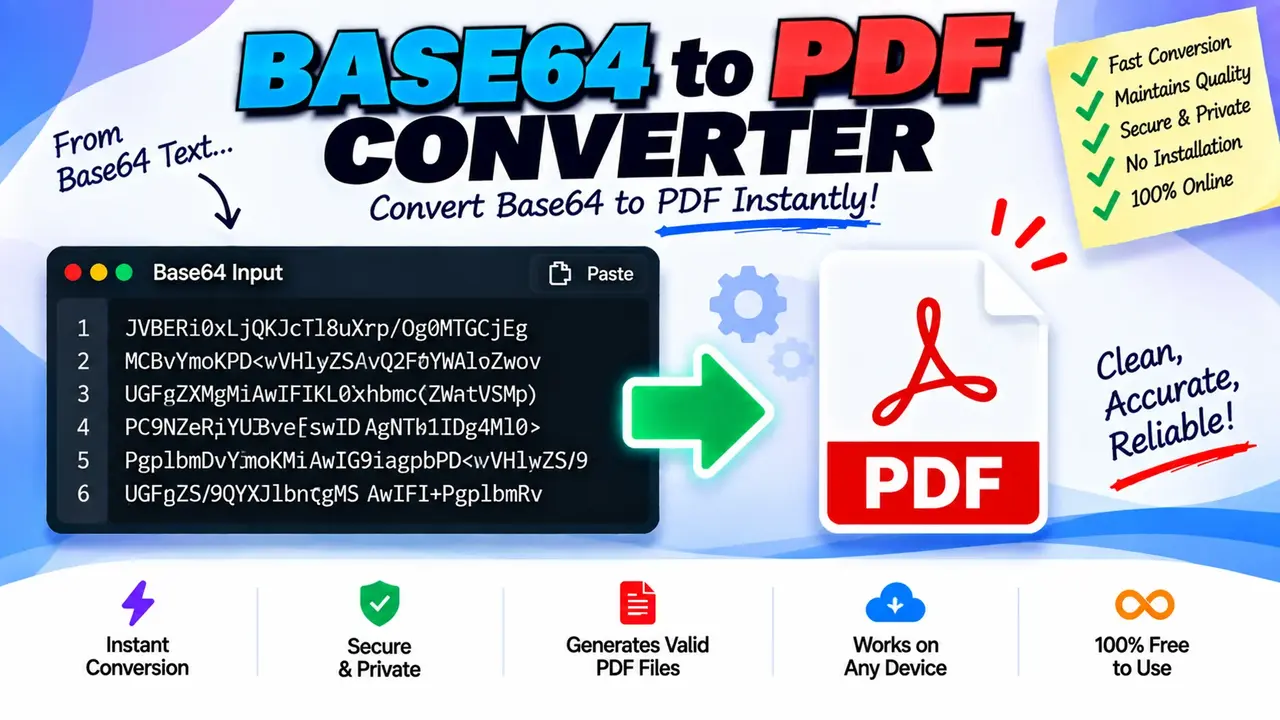
Quick answer: Convert Base64 To Pdf Online For Free is a file-conversion utility conceptually designed to decode a Base64-encoded PDF into a readable PDF document. It accepts Base64 text representing PDF data and produces a PDF file when the input contains valid PDF bytes. The actual processing options and file-handling behavior depend on the implemented converter.
Base64 is a text-based encoding that represents binary data using a limited set of printable characters. PDF documents, however, are binary files with a defined internal structure. A Base64-to-PDF converter reverses the encoding step so that encoded PDF data can be restored to its original byte sequence and saved with a .pdf extension.
This tool is intended for people who receive PDF data as a Base64 string from an API response, application log, database field, document-generation service, or software integration. Instead of manually decoding the string with a script, users can use a converter interface to turn the encoded content into a PDF document.
What Is Base64 to PDF Conversion?
Base64-to-PDF conversion is a decoding operation, not a process that creates a new PDF from ordinary text. The input must represent the bytes of a PDF document encoded as Base64. When the decoding succeeds, the resulting bytes can be written to a PDF file.
For example, an application may return a PDF attachment as a Base64 string rather than as a downloadable file. The encoded value may contain thousands or millions of characters, even when the original document is relatively small. Decoding restores the binary content needed by a PDF viewer.
One important distinction is that Base64 is an encoding format, not an encryption method. It does not protect confidential document content. Anyone who obtains the complete encoded data can generally decode it without a password, unless the PDF itself has separate encryption or access restrictions.
How to Use Convert Base64 To Pdf Online For Free?
- Obtain the encoded data. Copy the Base64 value that represents the PDF bytes. If the source is an API response, identify whether the value is a plain Base64 string or part of a JSON object.
- Check the input format. Determine whether the source includes a data URL prefix such as
data:application/pdf;base64,. A converter may expect only the Base64 payload, so remove the prefix if the interface does not explicitly support data URLs. - Enter the data. Paste the encoded content into the tool's input field, or provide it through an upload option if the implementation offers one.
- Run the conversion. Start the decoding operation using the available conversion control.
- Review the result. If a PDF is produced, open it in a trusted PDF viewer and verify that its pages, text, and images are displayed as expected.
The exact controls, supported input methods, download behavior, and error messages should be confirmed against the live implementation. The steps above describe the standard Base64 decoding workflow rather than unverified interface features.
Base64 PDF Input and Output Example
A PDF encoded in Base64 often begins with a recognizable pattern when the original file starts with the standard PDF header. The decoded file commonly starts with the bytes corresponding to %PDF-, followed by a version identifier such as 1.4 or 1.7.
The following example illustrates the input structure without presenting a fabricated encoded payload as a working PDF:
Input:
JVBERi0xLjQK...

Operation:
Base64 decode

Expected output:
report.pdf

Decoded header:
%PDF-1.4
The ellipsis indicates omitted Base64 data; it is not valid complete input. A successful conversion requires the complete encoded representation of the original PDF bytes. The decoded header is a useful diagnostic clue, but it does not prove that the rest of the document is intact.
Base64 PDF Conversion Reference Table
| Input type | Expected handling | Important consideration |
|---|---|---|
| Plain Base64 string | Decode the Base64 payload into bytes | Use the complete encoded value. |
| PDF data URL | Separate the data URL prefix from the payload when required | Confirm whether the converter accepts data URL syntax. |
| Base64 inside JSON | Extract the property containing the encoded PDF | Do not submit surrounding JSON unless supported. |
| Whitespace-wrapped Base64 | Normalize permitted whitespace before decoding | Whitespace handling depends on the decoder. |
| Truncated Base64 | Decoding may fail or yield incomplete bytes | Recover the complete value from the original source. |
| Base64 for another file type | Decoding restores the original file bytes, not necessarily a PDF | Verify the decoded content before naming it as a PDF. |
How Does Base64 to PDF Decoding Work?
Base64 encodes groups of three input bytes as four characters. During decoding, each valid group of four Base64 characters is translated back into up to three original bytes. Padding characters, usually represented by =, indicate that the final encoded group contains fewer than three original bytes.
The basic process is:
- Read the Base64-encoded payload.
- Remove an optional data URL prefix if necessary.
- Decode valid Base64 characters into binary bytes.
- Check that the resulting data is consistent with a PDF document.
- Save the decoded bytes as a PDF file using the application's available output mechanism.
Base64 decoding does not repair a damaged document, reconstruct missing pages, remove PDF passwords, or transform a Word document into PDF. It simply reverses the encoding. If the original PDF bytes were corrupted or truncated before encoding, decoding cannot restore the missing information.
Technical Edge Cases and Limitations
Data URL prefixes
Some applications provide values such as data:application/pdf;base64,JVBERi0x.... The portion before the comma identifies the media type and encoding. The actual Base64 payload follows the comma. Whether the prefix should be removed depends on the converter's input handling.
Invalid characters and padding
Standard Base64 uses uppercase and lowercase letters, digits, plus (+), slash (/), and optional trailing padding (=). URL-safe Base64 may use hyphen (-) and underscore (_) instead. A decoder that expects standard Base64 may reject URL-safe input or require normalization. Padding and whitespace rules also vary between implementations.
Large encoded strings
Base64 data is typically about one-third larger than the original binary content before accounting for padding. A PDF of approximately 3 MB may therefore require around 4 MB of Base64 text. Very large values can consume additional memory when represented as text and decoded into bytes. Actual input limits depend on the converter implementation and are not specified here.
Invalid or non-PDF data
A string can be syntactically valid Base64 while decoding to a JPEG, ZIP archive, or arbitrary binary data instead of a PDF. Checking for the %PDF- header helps identify likely PDF data, but a valid header alone is not a full integrity check.
Encrypted PDFs
Decoding Base64 does not remove encryption or document permissions. If the decoded PDF requires a password, it must be opened using the appropriate credentials and a compatible PDF reader.
Privacy and Document Handling
Base64 is not a confidentiality mechanism. Treat encoded PDF data as sensitive if it contains personal, financial, legal, medical, or business information. The processing location, server-upload behavior, retention policy, and deletion behavior of this specific tool have not been established by the supplied information. Review the site's privacy information before submitting confidential documents.
Technical References
- RFC 4648 — The Base16, Base32, and Base64 Data Encodings: defines standard Base64 encoding and decoding rules.
- Adobe PDF Reference resources: provides background on the PDF document format.
Author Information
Author Name: Daniel Brooks
Author Description: Software Developer specializing in binary data handling, web utilities, and document-processing workflows.
Technical Review: The conversion methodology is described in terms of standard Base64 decoding and PDF byte handling. The specific tool implementation, interface, and privacy behavior have not been independently verified.
