
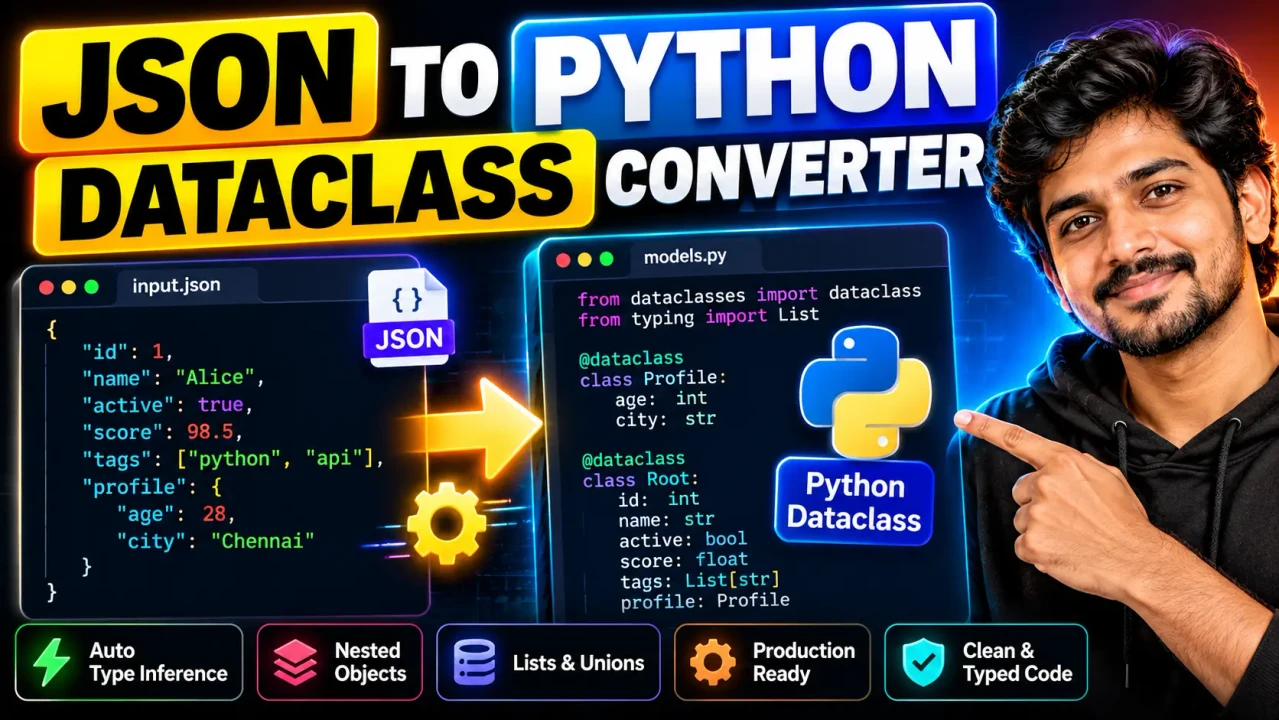
JSON to Python Dataclass Generator
Quick answer: The JSON to Python Dataclass Generator converts a JSON object into Python dataclass source code, turning JSON keys and representative values into typed class fields.
The JSON to Python Dataclass Generator is a developer utility for turning structured JSON data into a Python class definition that uses the @dataclass decorator. Instead of manually creating field names and type annotations from a JSON response, you can use the generator as a starting point for modeling that data in Python.
Python dataclasses are designed around annotated class fields and can automatically provide methods such as __init__() and __repr__(). A generated dataclass therefore provides a more explicit structure than leaving JSON data as an untyped dictionary.
How to Use JSON to Python Dataclass Generator?
Start with a valid JSON object that represents the structure you want to model. Use representative values for fields whose Python types need to be inferred. The generator can then use the object's keys and values as the basis for the resulting class.
- Enter JSON: Provide a valid JSON object containing representative data.
- Generate the class: Run the conversion to create Python dataclass source.
- Review types: Check inferred annotations and nested structures against your application's expected data.
- Copy the result: Integrate the generated class into your Python project and adjust application-specific behavior as needed.
What Input Should I Provide?
Use syntactically valid JSON. A representative object is especially useful because the values provide information about likely Python types. For example, strings can indicate str, whole numbers can indicate int, decimal numbers can indicate float, booleans can indicate bool, and JSON arrays can indicate list-like structures.
Input and Output Example
Example JSON input:
{
  "id": 1042,
  "name": "Ada Lovelace",
  "active": true,
  "score": 98.5,
  "tags": ["python", "data"]
}
A corresponding dataclass representation can be expressed as:
from dataclasses import dataclass

@dataclass
class User:
    id: int
    name: str
    active: bool
    score: float
    tags: list[str]
The exact generated class name and handling of nested or ambiguous structures depend on the implementation of the ToolHox generator. Treat generated code as a starting point and review it before using it in production.
JSON Value to Python Type Reference
| JSON Value | Typical Python Annotation | Example |
|---|---|---|
| String | str |
"Ada" |
| Integer number | int |
1042 |
| Decimal number | float |
98.5 |
| Boolean | bool |
true |
| Array | list[...] |
["python", "data"] |
| Object | Nested dataclass or mapping | {"city": "London"} |
| Null | Nullable type may be required | null |
This mapping is a type-inference reference rather than a guarantee that every JSON value has one unambiguous Python annotation. In particular, JSON does not distinguish all application-level concepts such as identifiers, dates, monetary values, or domain-specific enumerations.
How the Conversion Works
The generator's core task is a structural transformation: JSON object keys become candidate Python field names, while representative JSON values provide clues for type annotations. Nested objects can naturally correspond to nested structures, and arrays require examining their contained values to determine an appropriate element type.
Python's @dataclass decorator works with class variables that have type annotations. The resulting class can therefore express the structure of the generated model directly in Python syntax. The field order also matters because dataclass-generated methods use the declared field order.
Nested JSON
Consider an object containing another object:
{
  "id": 7,
  "profile": {
    "city": "Boston",
    "postal_code": "02108"
  }
}
A useful model may contain separate dataclasses:
from dataclasses import dataclass

@dataclass
class Profile:
    city: str
    postal_code: str

@dataclass
class User:
    id: int
    profile: Profile
This preserves the nested relationship instead of flattening the data into unrelated fields.
Edge Cases and Limitations
- Null values: A
nullvalue does not by itself identify a concrete Python type. The generated annotation may need manual refinement when the intended type is known from application semantics. - Mixed arrays: An array containing different value types may not map cleanly to a single element annotation. Review heterogeneous collections rather than assuming one type.
- Dates and timestamps: JSON commonly represents dates as strings. A generator cannot reliably infer the semantic difference between an ordinary string and an ISO-style date without additional rules or context.
- Identifiers: A numeric identifier may be inferred as
int, although the application's domain model might intentionally represent it differently. - Optional fields: A single sample object cannot prove that a field is optional in the complete dataset. Production schemas should be checked against representative responses or API documentation.
- Field names: JSON keys may contain characters or naming conventions that require adjustment before they become conventional Python identifiers.
- Generated code: Conversion creates a model representation; it does not automatically establish validation rules, business logic, serialization behavior, or API compatibility for your application.
Why Review the Generated Dataclass?
JSON describes data, while a Python dataclass describes a Python model. Those concepts overlap but are not identical. A generated annotation can represent what a sample currently contains without fully capturing the application's intended schema. Review nullable fields, nested models, naming, domain-specific types, and collection behavior before relying on the result as a formal data contract.
Related Python Concepts
After generating a dataclass, Python's dataclasses module provides functionality for inspecting fields, creating instances, replacing field values, and converting dataclass instances back into dictionaries. For JSON serialization and deserialization, Python's standard json module remains a separate concern from the dataclass definition itself.
Processing note: The supplied tool information identifies this utility as a JSON-to-Python-dataclass generator but does not verify a particular browser-only, server-side, storage, logging, or upload architecture. No specific privacy or processing guarantee is therefore asserted here.
Technical Disclaimer: Generated source should be reviewed before production use. Type inference from example JSON cannot establish every domain rule, optionality constraint, validation requirement, or serialization requirement in an application.
Author: Ethan Cole — Software Engineer specializing in Python application development and data modeling.
Technical Review: Reviewed for alignment with Python dataclass concepts, typed field annotations, JSON value structures, nested data modeling, and common type-inference limitations.