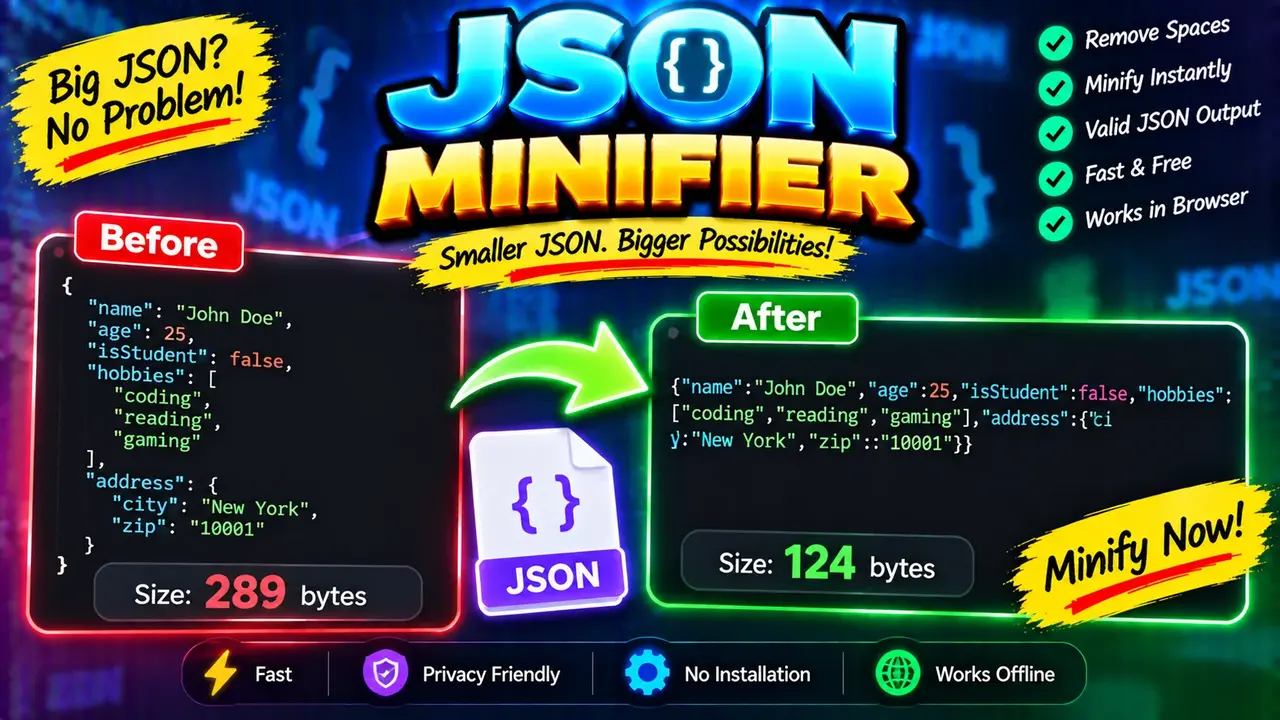
Online JSON Minifier
TL;DR Summary
Online JSON Minifier reduces unnecessary whitespace and formatting in JSON text so the result is more compact while keeping the JSON data structure intact. Use it for preparing readable JSON for compact storage or transfer; the supplied tool information does not confirm how submitted data is processed or stored, so avoid entering sensitive information unless the page clearly explains its data-handling policy.
About This Tool
Online JSON Minifier is a browser-based utility for making JSON text smaller and more compact by removing formatting that is not required by the JSON syntax. JSON, or JavaScript Object Notation, is a common text format used to exchange structured data between applications, APIs, websites, and software services.
Formatted JSON is easy for people to read because it usually contains spaces, line breaks, and indentation. Those characters improve readability, but they also add characters to the text. A JSON minifier removes unnecessary whitespace while preserving the JSON structure. The result is typically a compact, single-line JSON representation.
This tool is useful when you already have valid JSON and want a minified version without manually removing spaces and line breaks. It can be helpful for developers, web designers, API users, students, testers, and anyone who needs a compact JSON string for a technical workflow.
What You Enter
The primary input is JSON text. The text can contain JSON objects, arrays, strings, numbers, Boolean values, and null values when they follow valid JSON syntax.
A typical formatted JSON input may look like this:
{
  "name": "Alex",
  "active": true,
  "items": [
    10,
    20,
    30
  ]
}
The same data can be represented in a compact form as:
{"name":"Alex","active":true,"items":[10,20,30]}
The important point is that minification changes the presentation of the JSON, not the intended data represented by the JSON. Property names, string values, numbers, Boolean values, null values, arrays, and object relationships remain part of the resulting JSON.
What the Tool Produces
The output is minified JSON text. Unnecessary whitespace used for indentation and line formatting is removed where JSON syntax allows it to be removed. The output is designed to remain JSON rather than becoming a different data format.
Minification does not normally mean changing readable text inside a JSON string. For example, spaces that are part of a quoted value are data and should not simply be removed. The same applies to punctuation and characters that are required to preserve the meaning and structure of the JSON document.
How the JSON Minification Logic Works
JSON has defined syntax rules. Whitespace outside JSON strings can generally be removed without changing the structure of the data. A standard JSON minification process therefore removes unnecessary spaces, tabs, carriage returns, and line breaks while preserving whitespace that occurs inside quoted JSON strings.
For example, the following formatted JSON:
{
  "message": "Hello world",
  "count": 2
}
can be represented as:
{"message":"Hello world","count":2}
The space between “Hello” and “world” remains because it is inside a JSON string. Removing it would change the value of the message property.
The exact internal implementation of the supplied Toolhox utility is not provided in the source material. The explanation above describes the standard logic appropriate for an Online JSON Minifier rather than claiming a particular hidden implementation.
How to Use
- Step 1: Enter or paste your JSON text into the tool's input area.
- Step 2: Run the minification action provided by the tool.
- Step 3: Review the resulting compact JSON text.
- Step 4: Copy the minified JSON and use it where a compact JSON representation is needed.
When JSON Minification Helps
Minification is useful when readability is less important than a compact text representation. A developer may use minified JSON when preparing data for an API request, storing a JSON value, moving structured data between systems, or reducing formatting overhead in a text-based workflow.
It can also be useful after working with a pretty-printed JSON document. Developers often format JSON while editing because indentation makes nested objects and arrays easier to inspect. Once editing is complete, a minified version can provide a cleaner compact representation.
Minification is different from compression. Minification removes unnecessary characters from the JSON text itself. Compression uses an encoding or compression algorithm to reduce the size of data further. A minified JSON document is still ordinary JSON text and can be read by software that accepts JSON.
Valid JSON Matters
Minification should not be confused with repairing invalid JSON. JSON has specific syntax requirements. Common problems include missing quotation marks, missing commas, unmatched braces or brackets, invalid property names, and unsupported trailing commas.
If the supplied tool reports an error for your input, check the original JSON carefully. A minifier should not be treated as a general-purpose data repair tool unless its interface specifically provides validation or correction features. The supplied tool information does not establish that additional repair functionality exists.
Preset Examples / Quick Reference
| Formatted JSON | Minified JSON |
|---|---|
{
  "id": 123,
  "name": "Sam"
}
|
{"id":123,"name":"Sam"}
|
{
  "enabled": true,
  "value": null
}
|
{"enabled":true,"value":null}
|
{
  "tags": [
    "json",
    "web",
    "tools"
  ]
}
|
{"tags":["json","web","tools"]}
|
What Minification Does Not Change
- JSON property names remain part of the data.
- String values remain quoted JSON strings.
- Numbers remain JSON numbers when valid.
- Boolean values such as
trueandfalseremain Boolean values. nullremains a JSON null value.- Objects and arrays retain their structure.
- Whitespace that is part of a quoted string should remain meaningful.
Why Use This Online JSON Minifier & How Our Online JSON Minifier Beats the Competition
The practical advantage of a dedicated JSON minification tool is that it focuses on one clear task: turning formatted JSON into a compact representation. The right method depends on what you need to do and whether you need additional features such as editing, automation, validation, or advanced data processing.
| Method | Ease of Use | Calculation Speed | Best For | Limitations |
|---|---|---|---|---|
| Toolhox Online JSON Minifier | Simple tool-focused workflow | Designed for direct minification | Quickly converting formatted JSON to compact JSON | Supplied information does not establish advanced editing, automation, or other features |
| Manual editing | Low for larger JSON | Depends on manual work | Very small JSON snippets | Easy to remove required characters or alter string values by mistake |
| Spreadsheet | Depends on setup | Depends on formulas or workflow | Tabular data rather than native JSON formatting | Not a natural JSON minification workflow |
| Professional development software | Depends on the software | Depends on the tool and workflow | Development workflows that need many JSON-related features | May provide more functionality than needed for simple minification |
This comparison is about workflow differences, not a claim that one method is universally better. A dedicated online utility is appropriate when the task is simply to obtain a compact JSON representation. A development environment may be more suitable when minification is only one part of a larger software workflow.
Assumptions and Limitations
The main assumption is that the input is intended to be JSON and follows JSON syntax. The standard minification process removes unnecessary formatting whitespace while preserving meaningful JSON content.
The supplied source material does not document the exact internal implementation, input-size limits, server processing model, storage behavior, error handling, or additional features of this particular utility. Those details should not be assumed.
Users should review the resulting JSON before using it in an important application or workflow. If the data is sensitive, confidential, personal, or otherwise restricted, do not enter it unless the page provides clear information showing that the tool's data-handling behavior is suitable for that use.
Minification also does not replace testing or validation. If JSON will be consumed by an API, application, configuration system, or other production workflow, confirm that the final output is accepted by the intended system.
Minification vs. Formatting
Formatting and minification serve opposite presentation goals. Pretty-printed JSON uses indentation and line breaks to make nested data easier to inspect. Minified JSON removes that presentation whitespace to create a compact text form.
For editing and debugging, formatted JSON is usually easier for people to read. For a compact payload or a final text representation, minified JSON may be more convenient. Keeping both versions can be useful: one readable version for maintenance and one minified version for workflows that call for compact JSON.
Online JSON Minifier is therefore best understood as a focused formatting utility. It helps transform JSON from a human-friendly layout into a compact JSON representation without treating minification as a substitute for JSON validation, application testing, or broader data processing.
