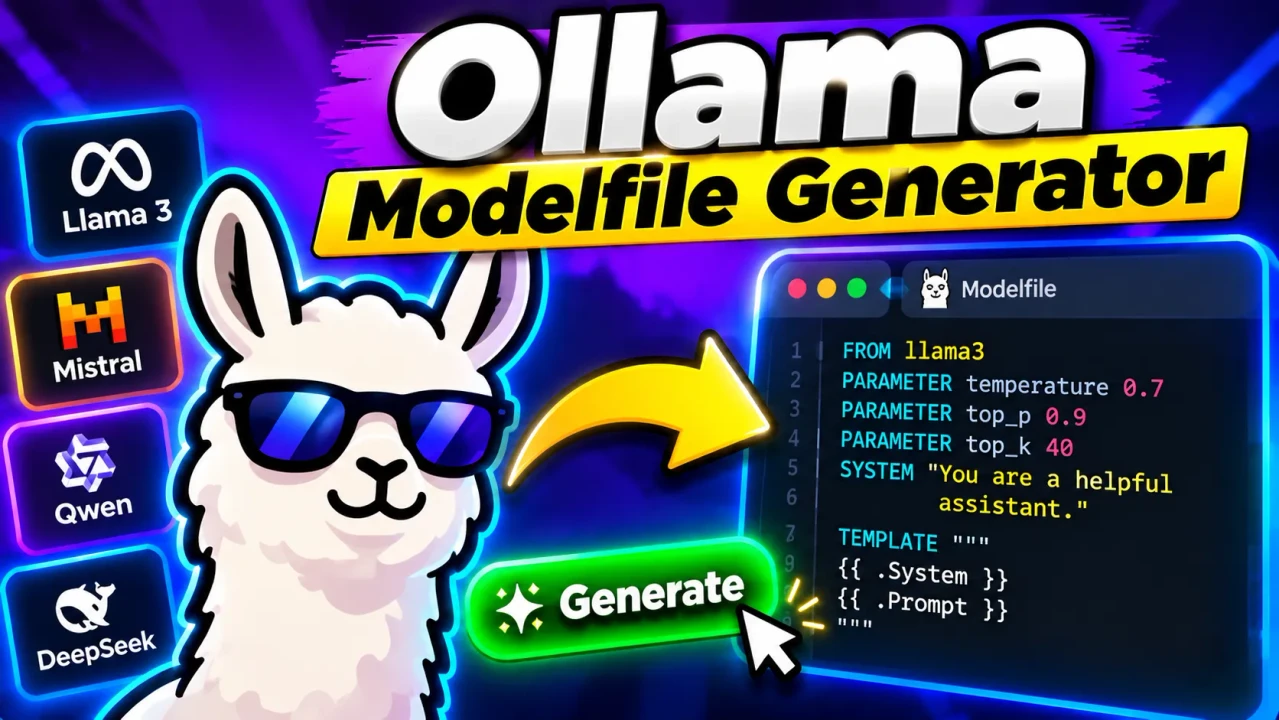
Ollama Modelfile Generator
TL;DR Summary
The Ollama Modelfile Generator helps you build an Ollama Modelfile from model and configuration settings, so you can prepare a reusable model definition for Ollama. The exact fields and generated output depend on the options available in the tool; privacy behavior is not specified by the supplied tool information, so avoid entering sensitive information unless the page clearly explains how it is handled.
What Is the Ollama Modelfile Generator?
The Ollama Modelfile Generator is a developer tool for creating the text configuration used to customize an Ollama model. A Modelfile describes how a model should be created and can include a base model, system instructions, inference parameters, and other supported model settings.
Writing a Modelfile by hand is not difficult, but it is easy to make small formatting mistakes. A generator gives you a structured way to enter the settings you want and then produces the corresponding Modelfile text. This can be useful when you are experimenting with local language models, building repeatable configurations, preparing development environments, or learning how Ollama model customization works.
The tool is intended mainly for developers, AI hobbyists, local LLM users, students learning about Ollama, and technical users who want a convenient way to assemble a Modelfile without manually remembering every syntax detail.
What Can You Configure?
The exact controls depend on the implementation of the generator. For an Ollama Modelfile generator, common configuration inputs can include a base model, a custom model name, a system prompt, generation parameters, stop sequences, and an optional prompt template.
The FROM instruction identifies the base model or model source. The SYSTEM instruction can define the model's default behavior, role, instructions, or response style. PARAMETER entries can be used for supported inference settings such as temperature or context size. A TEMPLATE can define a custom prompt format when one is needed.
Not every Modelfile needs every possible instruction. A simple configuration may only need a base model and a system prompt. More advanced configurations may use additional parameters or customization options. The generator should therefore be treated as a configuration builder rather than as a replacement for understanding the model you are customizing.
What Does the Tool Generate?
The primary output is a text-based Ollama Modelfile. The generated content is intended to be copied into a file named Modelfile and then used with Ollama's model creation workflow.
A typical Modelfile has a structure similar to this:
FROM your-base-model

PARAMETER temperature 0.7

SYSTEM """
Your custom system instructions go here.
"""
This example is only a general illustration of Modelfile syntax. The actual output from the Ollama Modelfile Generator depends on the values and options supplied through the tool.
How the Generated Modelfile Works
A Modelfile is declarative configuration. Instead of writing program logic that runs an AI model, you describe the model configuration that Ollama should use when creating a customized model.
The base model provides the starting point. Additional instructions can change the default behavior without changing the underlying model weights. For example, a system prompt can give the model a specific role, while a sampling parameter can change how responses are generated.
Multi-line system instructions are commonly represented using triple double quotes. This makes it possible to place longer instructions into the generated file while keeping the configuration readable.
How to Use the Ollama Modelfile Generator
- Step 1: Enter the base Ollama model you want to customize in the model field provided by the generator.
- Step 2: Enter a model name or other required identification field if the tool provides one.
- Step 3: Add a system prompt when you want the customized model to follow default instructions or a specific role.
- Step 4: Set any optional generation parameters exposed by the tool, such as supported sampling or context settings.
- Step 5: Add stop sequences or a custom template only when your intended Ollama configuration requires them and the generator provides those options.
- Step 6: Review the generated Modelfile and check that the model name, instructions, parameters, and formatting match your intended configuration.
- Step 7: Copy the generated text into a file named
Modelfileand use it with your local Ollama workflow.
Technical Explanation
The Ollama Modelfile Generator does not use a mathematical formula in the way a calculator does. Its core logic is text generation based on structured configuration inputs.
In simplified form, the process can be represented as:
Generated Modelfile =
Base Model
+ Selected Parameters
+ System Instructions
+ Optional Template or Stop Settings
Each selected setting is converted into the appropriate Modelfile instruction. For example, a base model becomes a FROM instruction, while a supported inference setting can become a PARAMETER instruction. A system prompt can become a SYSTEM block.
There is no single numerical formula that determines the output. The important requirement is that the generated text follows the expected Modelfile structure and reflects the settings entered by the user.
Useful Modelfile Instructions
| Instruction | Purpose | Typical Use |
|---|---|---|
FROM |
Defines the base model | Selecting the model to customize |
SYSTEM |
Defines default system instructions | Setting a role, behavior, or response style |
PARAMETER |
Sets supported model parameters | Controlling supported generation behavior |
TEMPLATE |
Defines a custom prompt template | Advanced prompt formatting when required |
Example Use Cases
A developer might use the Ollama Modelfile Generator to create a coding assistant configuration with a fixed system prompt. A researcher might use it to test different model parameters while keeping the base model consistent. A hobbyist might use it to create a model that always follows a particular response format.
For example, a user could select a base model and add a system instruction such as “Answer as a concise programming assistant.” The resulting Modelfile can preserve that instruction as part of the model configuration instead of requiring the user to type it into every new session.
Another useful case is configuration comparison. You can generate one Modelfile with one set of parameters and another with different settings, then compare the resulting configurations. This makes controlled experimentation easier to organize.
Why the Output Should Be Reviewed
A generated configuration is only as useful as the inputs supplied to it. The generator can format configuration values, but it cannot determine whether a particular base model is appropriate for your hardware, whether a custom template is correct for a specific model, or whether a chosen parameter produces the behavior you want.
Model-specific behavior also matters. A configuration that works for one model may not be appropriate for another. Custom templates can be especially sensitive because prompt formatting must match the model's expected conversation format.
Before creating a customized model, review the generated text and compare important settings with the documentation for your Ollama version and the model you are using.
Assumptions and Limitations
- The generator creates configuration text; it does not by itself prove that the selected model or settings are suitable for your hardware.
- The exact fields available depend on the supplied implementation of the tool.
- A generated Modelfile still needs to be used through an appropriate Ollama workflow.
- Custom templates and advanced parameters should be reviewed against the requirements of the selected model.
- The tool does not remove the need to understand model licensing, hardware requirements, or Ollama configuration where those factors apply.
- Privacy behavior is not established by the supplied tool information. Do not enter sensitive or confidential content unless the page clearly states how that information is processed, transmitted, or stored.
When Should You Not Rely on the Generator Alone?
Do not rely on the generated Modelfile alone when you are making production deployment decisions, troubleshooting complex model behavior, selecting hardware, evaluating model licensing, or designing a security-sensitive system. Use the generated configuration as a starting point and verify it against the relevant Ollama and model documentation.
Why Use This Ollama Modelfile Generator & How Our Ollama Modelfile Generator Beats the Competition
The practical benefit of an Ollama Modelfile Generator is that it turns structured choices into a Modelfile that can be reviewed and reused. The comparison below focuses on workflow differences rather than unsupported claims about competing products.
| Method | Ease of Use | Configuration Workflow | Best For | Limitations |
|---|---|---|---|---|
| Toolhox Ollama Modelfile Generator | Guided | Enter available settings and generate Modelfile text | Users who want structured Modelfile creation | Output still needs review and use through Ollama |
| Manual Modelfile Editing | Requires syntax knowledge | Write and edit instructions directly | Users who want full manual control | More room for formatting or configuration mistakes |
| Spreadsheet-Based Configuration | Varies | Store settings in rows or columns, then format them separately | Organizing many configurations | Usually requires an additional step to create valid Modelfile text |
| Professional Development Workflow | Depends on tooling | Configuration can be integrated into scripts or source control | Repeatable development and deployment processes | Requires more setup and technical workflow management |
Why a Structured Generator Can Help
A structured generator can reduce the amount of repetitive typing involved in building a Modelfile. It also gives users a clear place to review the values that will become configuration instructions. This is useful when you are learning Modelfile syntax or repeatedly creating customized model configurations.
However, the generator and manual workflow serve different needs. Manual editing gives experienced users direct control over every line. A larger development workflow may add version control, automated testing, and deployment steps that a simple web generator does not provide. The right approach depends on the task.
Final Takeaway
The Ollama Modelfile Generator is designed around a simple developer workflow: provide the model configuration you need, generate the corresponding Modelfile text, review it, and then use that configuration with Ollama. It is most useful when you want a structured starting point rather than repeatedly writing the same configuration syntax by hand.
Because the supplied information does not document the exact internal implementation of this Toolhox page, the descriptions above distinguish the standard purpose of an Ollama Modelfile generator from implementation details that cannot be confirmed. Users should check the fields displayed by the live tool to determine exactly which options are supported.