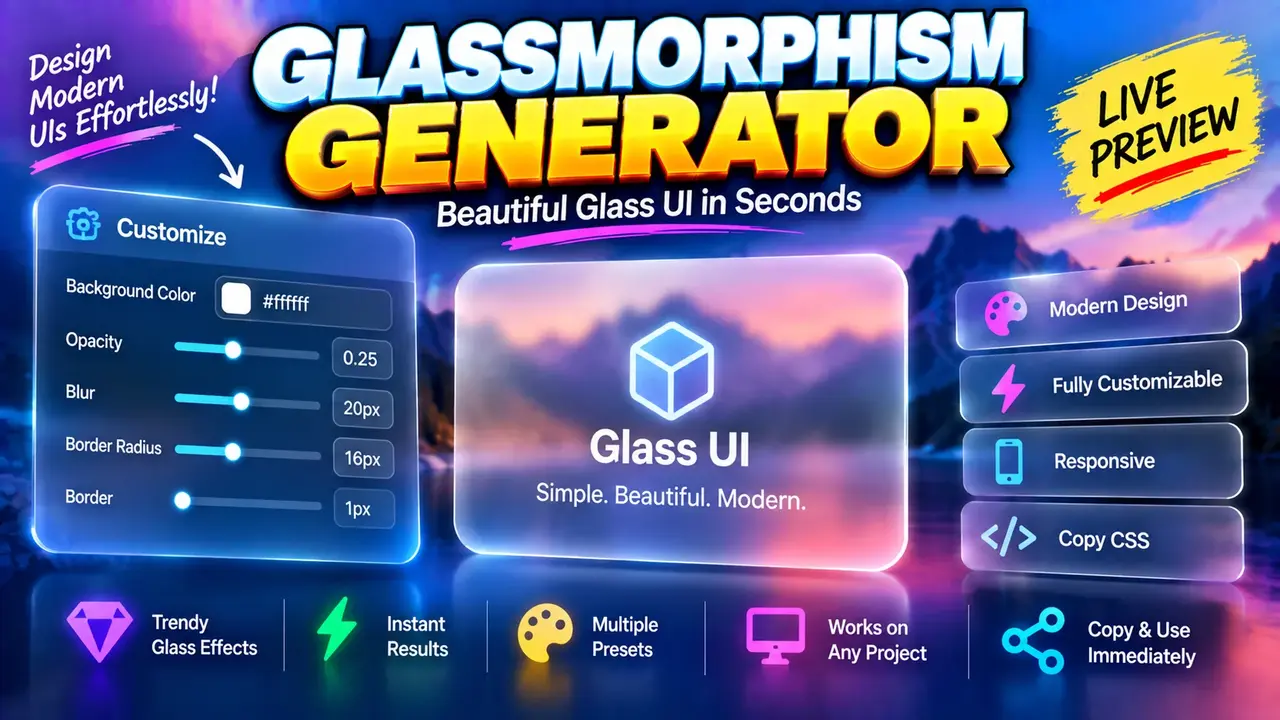
Glassmorphism Generator Online
TL;DR Summary
Online Glassmorphism Generator is a web-based design utility intended to help users create glassmorphism-style visual settings or CSS from controls provided by the tool. The exact available controls, generated output format, and data-handling behavior are not documented in the supplied tool context, so use the page as a design aid and avoid entering sensitive information unless the page clearly explains how it handles that data.
About This Tool
Glassmorphism Generator is designed for people who want to create a modern glass-style visual effect for a website, web app, landing page, dashboard, or interface mockup. Glassmorphism is a visual design style commonly associated with translucent surfaces, background blur, soft borders, and layered backgrounds. Instead of building these styles by hand from scratch, a generator can provide a practical way to experiment with the visual settings available in its interface.
The main purpose of a Glassmorphism Generator is to make visual styling easier to explore. Designers and developers often need to balance transparency, blur, borders, shadows, colors, and background contrast when creating a glass-like component. Small changes to these values can make a surface look clear and subtle, or more opaque and prominent. A generator can help users inspect these changes and use the resulting styling as a starting point for their own interface.
This tool may be useful for web designers, front-end developers, UI designers, students, hobby developers, and anyone experimenting with CSS-based interface design. It can also be useful when creating cards, navigation panels, dialogs, hero sections, buttons, panels, or other interface elements where a translucent layered appearance is appropriate.
What You Enter
The supplied tool information does not provide a confirmed list of input controls. Therefore, the exact required and optional inputs should be taken from the live generator interface rather than assumed here. If the interface exposes controls for properties such as transparency, blur, border, shadow, color, or related visual settings, those values are used to shape the generated glass effect.
Glassmorphism does not depend on one universal formula. It is a visual technique created by combining several styling properties. Common CSS building blocks include a semi-transparent background, a blur effect applied to content behind the surface, a subtle border, and sometimes a shadow. The actual controls and output produced by this Toolhox utility should be treated as the source of truth for its implementation.
What You Get
The exact output format is not specified in the supplied tool context. A glassmorphism generator may produce CSS declarations, style values, or another copy-ready representation of the selected design settings. Check the generated result shown by the tool to determine exactly what can be copied or used in a project.
If the generator provides CSS, the result can normally be used as a starting point for a stylesheet or component. Developers should review the generated CSS before adding it to production code. The generated values may need to be adjusted for the project's existing class names, layout, browser support requirements, accessibility needs, and design system.
How to Use
- Step 1: Open the Glassmorphism Generator and review the controls available for creating the glass-style effect.
- Step 2: Adjust the available visual settings until the preview or generated result matches the look you want.
- Step 3: Review the generated output and check that the values are suitable for your website or interface.
- Step 4: Copy the provided output if the tool offers a copy or code function.
- Step 5: Test the styling against your real page background, content, text, and layout before using it in a finished design.
Technical Explanation
Glassmorphism is a style rather than a single mathematical calculation. The visual result is generally produced by combining several CSS properties. One common pattern uses a translucent background together with backdrop blur:
Example pattern:
background: rgba(R, G, B, A);
backdrop-filter: blur(B);
border: 1px solid rgba(R, G, B, A);
This is a general example of how glass-like styling can be represented in CSS. It is not a claim about the exact hidden implementation of this Toolhox generator.
In the example, R, G, and B represent red, green, and blue color components. A represents alpha, or transparency. A lower alpha value makes a background more transparent, while a higher value makes it more opaque. The blur value controls the amount of blur applied to the content behind the element when the relevant CSS effect is used.
Unlike a calculator, there is no single formula that determines whether a glassmorphism design is correct. The goal is visual control. The final appearance depends on the selected values as well as the background behind the glass element. A translucent surface may look very different over a colorful image than it does over a simple solid background.
Preset Examples / Quick Reference
| Setting | General Purpose | Visual Effect |
|---|---|---|
| Transparency / Alpha | Controls background opacity | More transparency reveals more of the background |
| Blur | Softens content behind the surface | Higher blur can create a softer glass appearance |
| Border | Defines the edge of the glass surface | A subtle border can make the element easier to distinguish |
| Background Color | Sets the base tint of the surface | Changes the overall tone of the glass effect |
| Shadow | Adds separation from the background | Can create more depth around the element |
These are general glassmorphism design concepts, not a confirmed list of controls or presets in the Toolhox implementation. Use the controls actually presented by the generator when creating a design.
Design Tips for Better Glass Effects
Start with a simple background and make small adjustments. A glass surface usually needs enough contrast with the content behind it to remain visible. If transparency is too high, text and interface controls can become difficult to read. If the surface is too opaque, the glass effect may become less noticeable.
Text contrast is especially important. A visually attractive glass panel is not useful if users cannot comfortably read the content placed on it. Test headings, body text, links, buttons, and icons against the final background. Also test the component at different screen sizes and over different backgrounds if your interface uses changing imagery or gradients.
Common Uses
- Website cards and content panels
- Dashboard interface elements
- Landing page sections
- Navigation surfaces
- Modal and dialog designs
- UI prototypes and design experiments
- CSS styling experiments
Why Use This Glassmorphism Generator & How Our Glassmorphism Generator Compares
The practical value of a generator is that it provides a focused place to experiment with a visual style instead of requiring every adjustment to be made manually in source code. The following comparison describes general workflow differences. It does not claim that Toolhox has features that are not documented in the supplied information.
| Method | Ease of Use | Iteration | Best For | Limitations |
|---|---|---|---|---|
| Toolhox Glassmorphism Generator | Uses a dedicated web tool | Designed for visual experimentation | Creating or exploring glass-style settings | Exact controls and output depend on the tool interface |
| Manual CSS | Requires CSS knowledge | Values are edited directly in code | Developers who want direct code control | Manual editing can make visual experimentation less convenient |
| Spreadsheet | Not designed for CSS styling | Requires a custom setup | Organizing numeric values | Does not naturally represent a live visual CSS effect |
| Professional Design Software | Depends on the software and user's experience | Can support broader design workflows | Full interface and visual design projects | May involve more features than needed for a simple CSS glass effect |
Assumptions and Limitations
The supplied information identifies this utility as a Glassmorphism Generator but does not provide its complete interface specification, exact controls, generated code format, browser requirements, or privacy implementation. Those details should not be assumed.
The generated style should be treated as a design starting point rather than a guarantee that a component will look identical in every context. Background images, colors, element placement, text, font rendering, browser behavior, and surrounding CSS can all affect the final appearance.
Users should also check accessibility before publishing a glass-style interface. Transparency and blur can reduce contrast, especially when content moves behind a translucent surface. A design that looks good in a static preview may need additional testing with real content.
Because the privacy behavior of the tool is not documented in the supplied material, do not assume that entered information is processed only in the browser or that it is never sent or stored. Avoid entering sensitive information unless the page clearly explains its data-handling practices.
For developers, the generated styling should be reviewed before deployment. Check the CSS against the rest of the project's styles, confirm the intended visual result on supported devices, and test important interface elements such as forms, navigation, buttons, and readable text.
For designers, the generator can be used as an exploration tool for finding a suitable glass-like treatment. The final design should still be evaluated as part of the complete interface rather than as an isolated visual effect. Good glassmorphism depends not only on transparency and blur, but also on the relationship between the glass surface, background, content, spacing, contrast, and overall layout.
