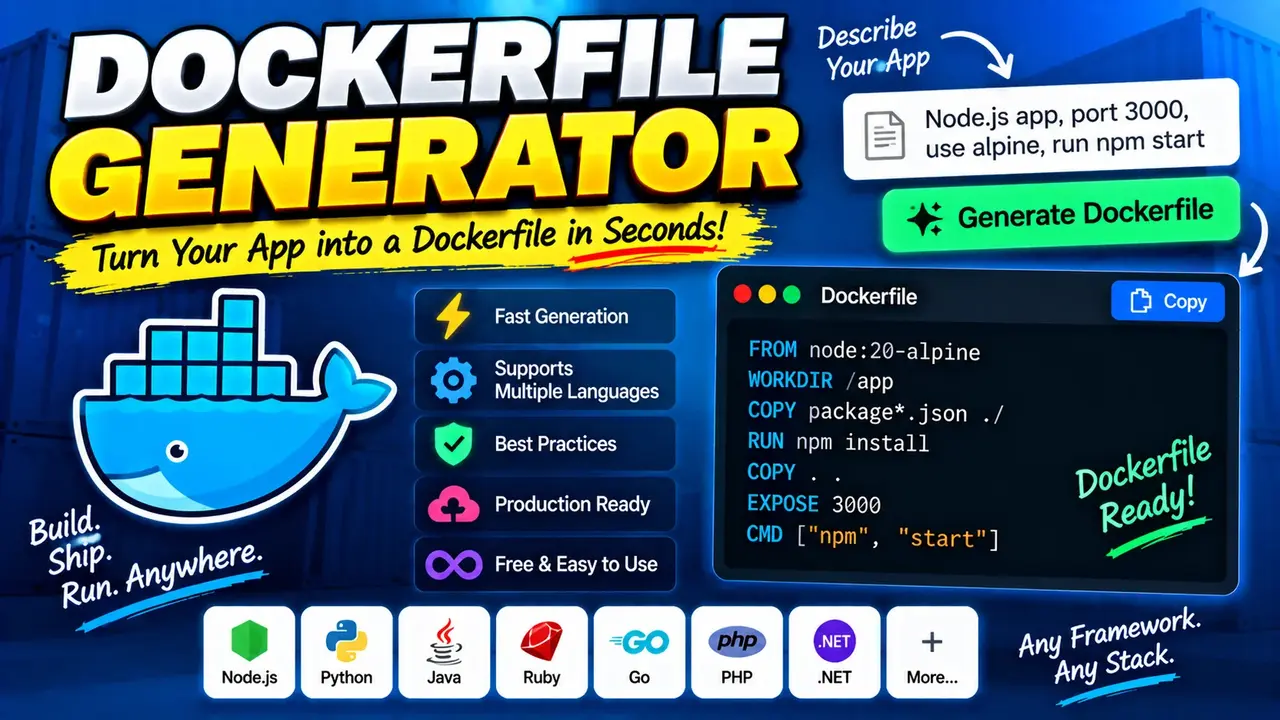
Online Dockerfile Generator
TL;DR Summary
Dockerfile Generator helps you create a Dockerfile from the application and configuration details you provide, so you can prepare a container build file without writing the file structure from scratch. Use the generated Dockerfile as a starting point and review it against your application's actual runtime, dependencies, and deployment needs; the tool's data-handling behavior is not specified by the available source material, so avoid entering sensitive information unless the page explains how submitted data is handled.
What Is Dockerfile Generator?
Dockerfile Generator is a developer tool designed to help users create a Dockerfile for a software project. A Dockerfile is a plain-text file containing instructions that Docker can use to build a container image. Instead of starting with an empty file and manually assembling the required instructions, a generator can turn the details you provide into a structured Dockerfile that you can review and adapt.
This type of tool is useful when you are preparing an application for container-based development, testing, or deployment. It can also help developers who understand their application requirements but want a guided way to organize those requirements into Dockerfile instructions.
The generated file should be treated as project-specific configuration rather than as a universal Docker configuration. Different applications need different base images, dependency installation steps, working directories, environment settings, exposed ports, and startup commands. The correct Dockerfile depends on the application's language, framework, package manager, runtime requirements, and how the application is started.
What Does Dockerfile Generator Create?
The main output is a Dockerfile in text form. The Dockerfile is intended to describe how a Docker image should be built and how the resulting container should be prepared to run the application.
Depending on the information supported by the tool interface, the generation process may involve details such as the application's runtime or base environment, project dependencies, working location, required configuration, ports, and the command used to start the application. The exact fields and options available should be determined by the controls shown on the tool page.
Because the available source material identifies the product as a Dockerfile Generator but does not document a fixed list of internal fields or generation rules, this page does not assume a specific programming language, framework, package manager, base image, or Dockerfile template.
Who Can Use It?
Dockerfile Generator can be useful for software developers, students learning Docker, DevOps users, application teams, and anyone preparing a project for containerization. It can also be useful when creating a first Dockerfile for an existing application and when you want a structured starting point before manually refining the configuration.
Experienced developers can use the generated Dockerfile as a draft and then adjust it for project-specific requirements. Beginners can use the generated output as a practical way to understand how application requirements are translated into Docker build instructions.
What Information Should You Provide?
Start with the details that describe the application you want to containerize. The exact input fields depend on the current implementation of Dockerfile Generator. Do not assume that every Dockerfile needs the same settings.
- Application details: Provide the project or application information requested by the tool.
- Runtime details: If the tool asks for a runtime, framework, language, or version, select the value that matches your project.
- Dependencies: Provide dependency information when the interface requests it so the generated build instructions can reflect the application's requirements.
- Runtime configuration: If the tool asks for a port, command, working directory, or related setting, use the values your application actually needs.
Use real project requirements rather than guessing. A Dockerfile can build successfully and still be unsuitable for the application if it uses the wrong runtime version, omits a dependency, starts the wrong command, or expects a different directory structure.
How to Use Dockerfile Generator
- Step 1: Open Dockerfile Generator and review the available fields and options before entering project information.
- Step 2: Enter the application and runtime details requested by the tool, using values that match your actual project.
- Step 3: Provide any supported dependency, configuration, port, working-directory, or startup information required by your application.
- Step 4: Generate the Dockerfile using the tool's generation control.
- Step 5: Review the generated Dockerfile line by line and compare it with your project's existing setup.
- Step 6: Save or copy the generated Dockerfile into the appropriate project location and test the image build before using it in a deployment workflow.
Technical Explanation
Dockerfile Generator is a generator rather than a calculator, so there is no single mathematical formula that determines its output. Its basic logic is to translate the project information supplied through the interface into Dockerfile text.
A Dockerfile is normally made up of Docker instructions. Common Dockerfile concepts include selecting a base image, setting a working directory, copying project files, installing dependencies, defining environment settings, documenting a listening port, and specifying a command or entrypoint. Which instructions belong in a particular Dockerfile depends on the application.
For example, an application that requires a particular runtime may need a compatible base image. An application with external dependencies may need those dependencies installed during the image build. An application that starts with a specific command needs that command represented correctly in the final container configuration.
These are general Dockerfile concepts, not claims about hidden implementation details of this generator. The exact output produced by Dockerfile Generator should be checked against the options and information actually available in the tool.
Output Format
The expected primary output is Dockerfile text. A Dockerfile does not normally require a file extension. It is commonly saved with the filename Dockerfile. The generated text can then be reviewed, copied into a project, and used as input for a Docker image build.
The output should be treated as editable source configuration. If your application changes, the Dockerfile may also need to change. Runtime versions, dependency lists, application commands, paths, ports, and environment requirements should all remain aligned with the project.
Quick Reference
| Item | Purpose |
|---|---|
| Project details | Describe the application being containerized. |
| Runtime information | Identify the environment the application needs when supported by the tool. |
| Dependencies | Describe software packages or other requirements when requested. |
| Configuration | Provide supported paths, ports, commands, or related runtime settings. |
| Generated Dockerfile | Provides Dockerfile text that can be reviewed and adapted for the project. |
Example Use Case
Suppose you have an application that needs to run inside a Docker container. Rather than beginning with a blank Dockerfile, you can enter the project details requested by the generator. The tool produces Dockerfile text based on those inputs. You then inspect the generated instructions, confirm that they match the application's runtime and dependency requirements, and make any project-specific edits before building the image.
This workflow is especially useful when the goal is to create a starting Dockerfile quickly while keeping the final configuration under the developer's control. The generated result should not be assumed to cover every production requirement automatically.
Why Use Dockerfile Generator & How Our Dockerfile Generator Beats the Competition
Dockerfile Generator provides a dedicated way to turn application requirements into Dockerfile text. The practical difference between this approach and other methods is mainly the amount of manual work involved and the level of customization available.
| Method | Ease of Use | Calculation Speed | Best For | Limitations |
|---|---|---|---|---|
| Toolhox Dockerfile Generator | Guided generation | Generates output without manually writing every instruction | Creating a Dockerfile starting point from supplied project details | Generated output still needs project-specific review and testing |
| Manual Dockerfile Writing | Requires Dockerfile knowledge | Depends on the person writing it | Full manual control | More instructions must be written and checked manually |
| Spreadsheet Calculation | Not a natural fit | Not applicable to Dockerfile generation | Structured tabular calculations rather than Dockerfile creation | Does not directly represent Docker build instructions |
| Professional Engineering Software | Not designed for this task | Not applicable to Dockerfile generation | Engineering design and analysis | Does not replace a developer-focused Dockerfile workflow |
Assumptions and Limitations
Dockerfile Generator should be viewed as a starting-point generator, not as a substitute for understanding the application being containerized. The available source material does not specify a complete list of supported inputs, output templates, validation rules, supported languages, supported frameworks, base images, or Docker versions. Therefore, those details should be confirmed from the actual tool interface rather than assumed.
The quality of a generated Dockerfile depends on the information supplied and whether that information correctly describes the project. A missing dependency, incorrect runtime version, wrong path, incorrect startup command, or unsuitable configuration can cause a build or container startup problem.
Users should test the generated Dockerfile before relying on it in a deployment environment. Production systems may also require additional considerations such as security settings, secrets management, image size, non-root execution, networking, health checks, logging, resource limits, and deployment-specific configuration. Those concerns are outside what can be confirmed about this generator from the supplied source material.
Do not place passwords, private keys, access tokens, or other sensitive information into the tool unless its page clearly explains how that information is handled. The supplied source does not establish whether entered information is processed locally, transmitted to a server, or stored.
For learning, prototyping, and creating a first Dockerfile, the generated result can provide a useful starting point. For production deployment, review the complete Dockerfile, build the image, run the resulting container, and verify that the application behaves as expected in the target environment.