Gram To Milliliter Ink Converter
Convert printer ink grams to milliliters using ink density. Enter weight and density to calculate the estimated ink volume in mL.
Please complete this field to continue.
Please complete this field to continue.
Results
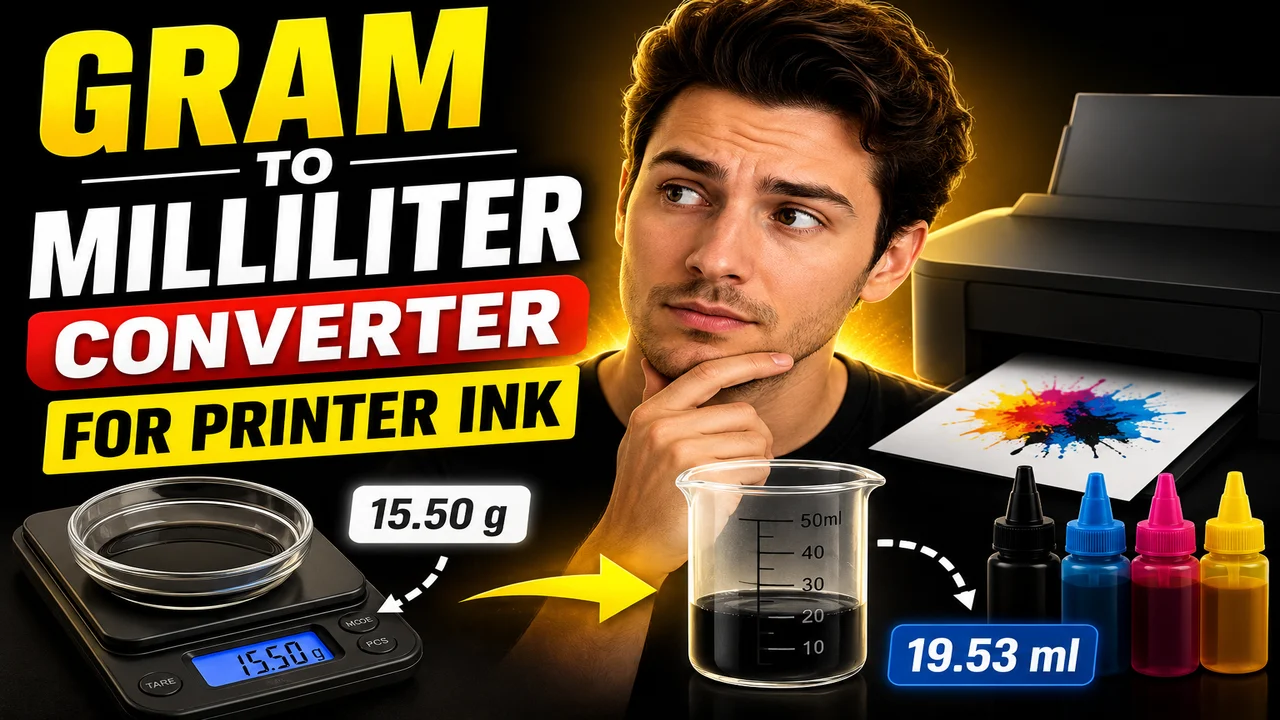
Gram To Milliliter Converter For Printer Ink
TL;DR Summary
The Gram To Milliliter Converter For Printer Ink converts a measured printer ink weight in grams into an estimated volume in milliliters using the ink's density. The result depends on the density you enter, so use the manufacturer's density specification when available; the supplied tool information does not establish a specific data-storage or privacy policy.
About This Tool
The Gram To Milliliter Converter For Printer Ink is a practical unit converter for situations where printer ink is measured by weight but needs to be expressed as a liquid volume. This can be useful when checking ink quantities, comparing containers, estimating how much liquid corresponds to a measured mass, or working with printer ink specifications that provide weight and density in different units.
Grams and milliliters measure different physical properties. A gram measures mass, while a milliliter measures volume. Because printer ink is a liquid, the two values cannot be converted with a fixed one-to-one rule. The conversion depends on density. Density describes how much mass is contained in a given volume.
This tool therefore asks for two values: the printer ink weight in grams and the printer ink density in grams per milliliter (g/mL). The weight is the quantity you already have or want to convert. The density should describe the particular printer ink being measured. If the ink manufacturer provides a technical data sheet, product specification, or safety documentation with density information, that value is the preferred source.
The main output is the estimated printer ink volume in milliliters. The tool also displays the entered weight and density so you can quickly check the values used in the calculation. The calculator does not identify the ink type automatically and does not determine density from a printer model, cartridge number, brand, or ink color.
What You Need to Enter
- Printer Ink Weight: Enter the ink mass in grams (g). Use a positive value.
- Printer Ink Density: Enter the density in grams per milliliter (g/mL). Use a positive value appropriate for the specific ink.
The density input is important. Different ink formulations can have different densities. Using an assumed density instead of the actual product specification can change the calculated volume. For that reason, this converter does not impose a universal printer-ink density value.
How to Use
- Step 1: Measure or identify the printer ink weight in grams and enter that value in the Printer Ink Weight field.
- Step 2: Find the printer ink density in the manufacturer's product documentation and enter it in Printer Ink Density as g/mL.
- Step 3: Review the calculated printer ink volume shown in milliliters.
- Step 4: Check the displayed weight and density to confirm that the intended values were used.
Technical Explanation and Formula
The standard mass-to-volume conversion uses density:
Volume = Mass ÷ Density
For this printer ink converter:
- Volume = printer ink volume in milliliters (mL)
- Mass = printer ink weight in grams (g)
- Density = printer ink density in grams per milliliter (g/mL)
The units cancel correctly because grams are divided by grams per milliliter:
g ÷ (g/mL) = mL
For example, if a sample weighs 100 g and its density is 1.05 g/mL, the calculation is:
Volume = 100 g ÷ 1.05 g/mL = 95.238... mL
The displayed result would be approximately 95.24 mL when rounded to two decimal places.
This is a standard density conversion rather than a claim about any hidden implementation beyond the supplied tool specification. The conversion itself follows the basic relationship between mass, volume, and density.
Why Density Matters for Printer Ink
It is not correct to assume that every printer ink has the same mass-to-volume relationship. Two inks can occupy different volumes even when they have the same mass if their densities differ. For example, a 100 g sample with a density of 1.00 g/mL has a calculated volume of 100 mL, while a 100 g sample with a density of 1.10 g/mL has a calculated volume of about 90.91 mL.
| Weight | Density | Calculated Volume |
|---|---|---|
| 100 g | 1.00 g/mL | 100.00 mL |
| 100 g | 1.05 g/mL | 95.24 mL |
| 100 g | 1.10 g/mL | 90.91 mL |
These examples demonstrate the formula only. They are not statements that these densities represent particular printer ink products.
Preset Examples and Quick Reference
| Input Weight | Input Density | Volume Result |
|---|---|---|
| 50 g | 1.00 g/mL | 50.00 mL |
| 100 g | 1.05 g/mL | 95.24 mL |
| 250 g | 1.10 g/mL | 227.27 mL |
Use these examples to understand the calculation. When converting an actual printer ink product, replace the example density with the density for that specific formulation.
When This Converter Is Useful
This converter can help when an ink supplier gives a quantity by mass but your work requires a volume estimate. It can also help when comparing measurements recorded in different units. For example, if a production note records 250 g of ink and the product documentation gives density in g/mL, the formula can convert the mass into an estimated liquid volume.
The tool can also be useful for basic planning and checking. If you know both the ink mass and density, you can estimate the corresponding volume without manually rearranging the density equation. The same relationship can be used for small samples and larger quantities, provided the density value remains appropriate for the material being measured.
Why Use This Gram To Milliliter Converter For Printer Ink & How Our Calculator Beats the Competition
The practical difference between this tool and other calculation methods is mainly how the conversion is performed. This page is designed around the standard mass-to-volume relationship and asks for the density needed to make that conversion. It does not claim to replace manufacturer specifications or specialized ink analysis.
| Method | Ease of Use | Calculation Speed | Best For | Limitations |
|---|---|---|---|---|
| Toolhox Converter | Enter weight and density | Immediate calculated result | Quick gram-to-milliliter conversions | Requires a suitable density value |
| Manual Calculation | Requires the formula and arithmetic | Depends on the user | Users who prefer hand calculations | More opportunity for arithmetic or unit-entry errors |
| Spreadsheet | Requires setup | Can calculate repeated entries after setup | Work involving many saved calculations | Requires a spreadsheet and correctly configured formula |
| Professional Laboratory Software | Depends on the system | Depends on the software and workflow | Specialized measurement and analysis | May provide capabilities beyond a simple mass-to-volume conversion |
The main practical benefit of a dedicated converter is that the mass-to-volume formula is presented directly. For a simple conversion, you do not need to build a spreadsheet or manually rearrange the density equation. At the same time, the tool remains limited to the information supplied by the user.
Understanding the Result
The calculated result is a volume estimate based on the two entered values. It should not be interpreted as a laboratory measurement of the actual volume inside a cartridge, bottle, reservoir, or print system. Real-world measurements can be affected by the way a sample is weighed, the density specification used, temperature, formulation, and other physical factors.
If the purpose of the calculation involves manufacturing, quality control, cartridge filling, inventory control, equipment calibration, or another process where small volume differences matter, use the applicable manufacturer's specifications and measurement procedures rather than relying on the calculator alone.
Assumptions and Limitations
- The entered weight is treated as mass in grams.
- The entered density is treated as grams per milliliter.
- The density is assumed to represent the printer ink being converted.
- The calculation uses volume = mass ÷ density.
- The displayed volume is rounded to two decimal places.
- The tool does not determine printer ink density automatically.
- The tool does not identify a product's formulation from a brand, printer, cartridge, or ink color.
- The result is an estimate based on the supplied inputs and should not be treated as a laboratory measurement.
For the best result, use the density supplied by the ink manufacturer for the exact formulation and relevant conditions. If no reliable density value is available, the conversion cannot produce a product-specific volume with confidence. Avoid using an arbitrary density when the result will be used for a process that requires a controlled measurement.
Privacy behavior is not specified in the supplied tool materials. Do not enter sensitive information unless the page's privacy policy or implementation clearly explains how submitted information is handled.
