HTML Stripper Online
TL;DR Summary
HTML Stripper removes HTML markup from HTML source so you can work with the readable text without the surrounding tags. The supplied tool information does not document how data is processed or stored, so avoid entering sensitive information unless the page clearly explains its data-handling behavior.
About This Tool
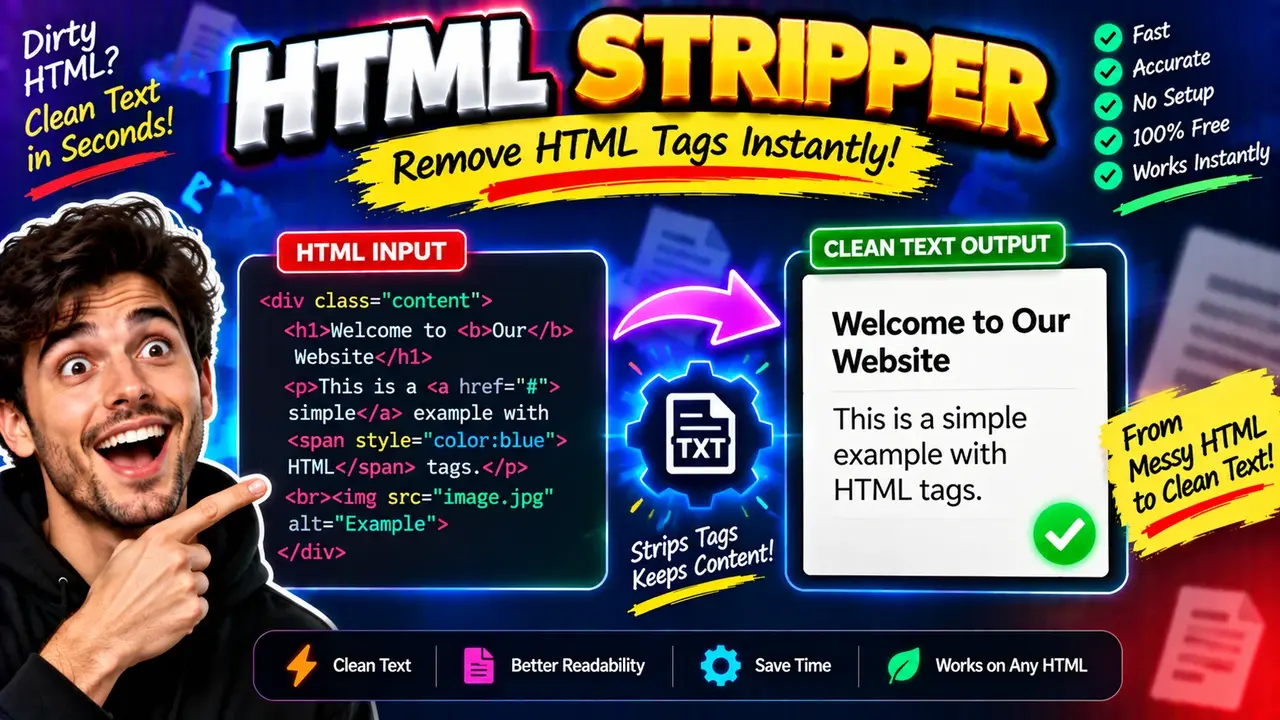
HTML Stripper is a browser-based utility for removing HTML markup from a piece of HTML code. It is useful when you have HTML that contains elements such as headings, paragraphs, links, lists, or other tags and need a simpler text representation.
HTML is commonly used to structure web pages. A small example might look like this:
<p>Hello, world!</p>The HTML Stripper is intended to remove the markup around the content. In a basic example, the meaningful text is:
Hello, world!This can be useful when you need to separate visible text from HTML syntax. For example, a developer may have HTML stored in a text field and need to inspect the readable content. A content writer may receive copied HTML and want to see the underlying text. A user working with web content may also need a quick way to turn marked-up source into a cleaner text form.
The primary input is HTML text or HTML source. The primary output is text with the HTML markup removed. The tool does not require you to understand every HTML element before using it. You can provide the markup as input and review the resulting text.
What Is HTML Markup?
HTML markup uses tags to describe the structure of content. Common examples include <p> for paragraphs, <h1> through <h6> for headings, <a> for links, and <strong> for emphasized text.
For example:
<h2>Product Details</h2>
<p>This product is available today.</p>
The useful text inside this example is:
Product Details
This product is available today.
HTML Stripper focuses on the distinction between the markup and the text contained within that markup. This makes it useful when HTML syntax is getting in the way of reading or processing the underlying content.
How to Use HTML Stripper
- Step 1: Copy the HTML source you want to process.
- Step 2: Paste the HTML into the HTML Stripper input area.
- Step 3: Run the tool using the available action control.
- Step 4: Review the resulting text and check that the content you need is present.
- Step 5: Copy the output for use in your next task.
Technical Explanation
HTML Stripper can be understood as a markup-removal tool. The general logic is to examine the supplied HTML and remove HTML tags while retaining the text content associated with the markup.
A simplified representation of the process is:
HTML source → HTML markup removal → text outputFor example:
Input:
<p>Welcome to <strong>Toolhox</strong>.</p>

Output:
Welcome to Toolhox.
There is no single mathematical formula for this type of utility. Unlike a calculator, the HTML Stripper performs text and markup processing. The exact handling of malformed HTML, embedded content, HTML entities, whitespace, comments, scripts, styles, and other special cases depends on the actual implementation. Those behaviors are not specified in the supplied tool information, so they should not be assumed.
What You Can Use It For
| Use Case | What HTML Stripper Helps With |
|---|---|
| Reading HTML | Separates readable content from HTML markup. |
| Content cleanup | Provides a simpler text representation of marked-up content. |
| Developer work | Helps inspect the text contained in HTML source. |
| Text preparation | Creates text that can be reviewed or used in another workflow. |
Preset Examples / Quick Reference
| HTML Input | Basic Text Result |
|---|---|
<p>Hello</p> |
Hello |
<h2>About Us</h2> |
About Us |
<p>Learn <strong>HTML</strong>.</p> |
Learn HTML. |
<a href="https://example.org">Visit Site</a> |
Visit Site |
These examples show the basic purpose of the tool: the HTML elements provide structure, while the useful text remains after the markup is stripped. Actual output formatting can vary depending on the tool's implementation and the HTML supplied.
Why Use This HTML Stripper & How Our HTML Stripper Beats the Competition
The practical value of an HTML stripper depends on the job you need to complete. Different methods are useful in different situations. The comparison below describes common approaches without making unsupported claims about competing products.
| Method | Ease of Use | Calculation Speed | Best For | Limitations |
|---|---|---|---|---|
| Toolhox HTML Stripper | Simple for direct HTML-to-text tasks | Designed for interactive tool use | Quick HTML markup removal | Exact handling of special HTML cases depends on the implementation |
| Manual editing | Low for large HTML | Depends on the amount of editing | Very small snippets | Time-consuming and easy to perform inconsistently |
| Spreadsheet or text-editor workflow | Depends on the user's setup | Depends on the workflow | Repeatable custom text processing | May require formulas, scripts, or manual setup |
| Custom code | Requires programming knowledge | Depends on the implementation | Automated or specialized processing | Requires development and maintenance |
The main practical difference is workflow. Manual editing can work for a tiny snippet, while custom code can be useful for repeated or specialized processing. A dedicated HTML Stripper provides a focused interface for the basic task of removing HTML markup from supplied content.
Assumptions and Limitations
HTML Stripper should be treated as a text-processing utility, not as a complete HTML analysis or web-page rendering system. Removing markup does not necessarily reproduce exactly what a browser displays on a web page. HTML can contain nested elements, encoded characters, hidden content, embedded resources, scripts, styles, malformed markup, and other structures that can affect the resulting text.
The supplied tool information does not document the exact implementation rules for these cases. Therefore, users should review important output instead of assuming that every possible HTML document will produce a perfect representation of its browser-rendered text.
The result can also depend on the quality and structure of the input. Clean, well-formed HTML is easier to interpret than incomplete or malformed markup. If the output will be used for an important publishing, data-processing, compliance, or software workflow, verify the result before relying on it.
Privacy behavior is also not specified in the supplied tool information. Do not assume that submitted HTML is processed only in your browser, that it is never transmitted, or that it is never stored. Avoid entering passwords, private records, personal information, confidential business data, or other sensitive material unless the page provides clear information about how submitted data is handled.
For ordinary HTML cleanup and inspection, HTML Stripper provides a straightforward way to focus on the text contained in markup. For advanced HTML parsing, document conversion, browser rendering, or production data pipelines, a purpose-built development solution may be more appropriate.