Online Json To Toml Converter | Free & Easy
Convert JSON to TOML instantly with our free online tool. Enjoy clean output, fast processing, and accurate formatting for all your configuration files.
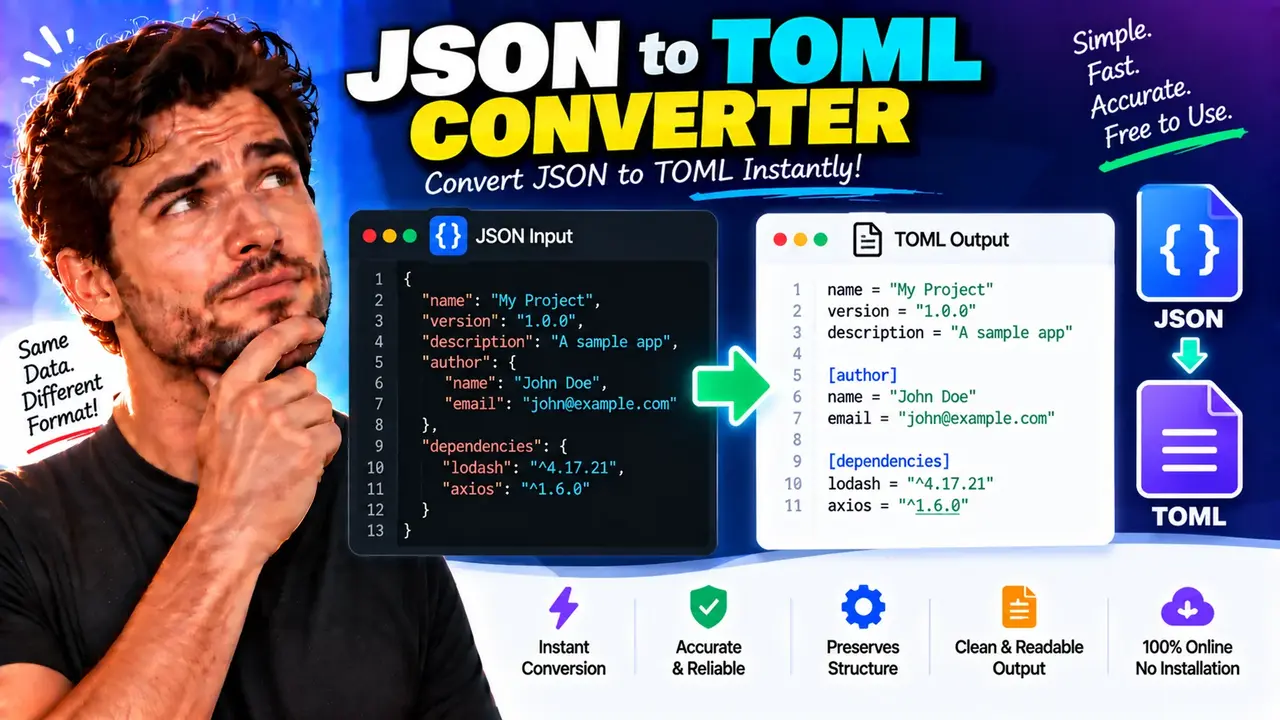
JSON to TOML Converter
TL;DR Summary
JSON to TOML Converter converts JSON data into TOML configuration syntax so you can reuse structured JSON content in a TOML-based workflow. The supplied tool information does not confirm how input data is processed, stored, or transmitted, so avoid entering sensitive information unless the page clearly explains its data-handling practices.
About This Tool
JSON to TOML Converter is a developer utility for changing structured data from JSON format into TOML format. JSON and TOML are both text-based ways to represent structured information, but they are commonly used for different purposes. JSON is widely used for data exchange, APIs, and application data. TOML is designed around readable configuration files and uses key-value pairs, tables, and arrays.
This tool is useful when you already have a JSON object and need a TOML version for a configuration file, project example, documentation snippet, development task, or another system that expects TOML. Instead of manually rewriting braces, nested objects, arrays, strings, numbers, and Boolean values, you can provide the JSON and use the converted TOML as the starting point for your configuration.
The main input is JSON text. The JSON should be syntactically valid before conversion. A typical input can contain object properties, strings, numbers, Boolean values, arrays, and nested objects. The resulting output is TOML text that represents the structure of the supplied JSON as closely as the two formats allow.
What Does JSON to TOML Conversion Do?
The conversion changes the representation of the data rather than changing the basic purpose of the data. A JSON property such as "name": "Example" can become a TOML key-value pair such as name = "Example". A nested JSON object can be represented as a TOML table. JSON arrays can become TOML arrays when their values can be represented by TOML.
For example, consider this JSON:
{
  "name": "My App",
  "port": 8080,
  "debug": true
}
A corresponding TOML representation is:
name = "My App"
port = 8080
debug = true
Nested data uses TOML table syntax. For example:
{
  "server": {
    "host": "localhost",
    "port": 8080
  }
}
can be represented as:
[server]
host = "localhost"
port = 8080
This structure makes JSON to TOML conversion useful for developers working with application settings, project configuration, build configuration, package configuration, documentation examples, and other structured text.
Who Can Use This Tool?
JSON to TOML Converter is mainly useful for developers, software engineers, technical writers, students, DevOps users, and anyone who needs to move structured configuration data from JSON syntax into TOML syntax. It can also help when you receive a JSON configuration example but need to adapt that information for a project that uses TOML.
You do not need to manually rewrite every key or nested section. The converter provides a practical way to transform the text while giving you an output that you can review and edit before using it elsewhere.
Inputs and Outputs
| Item | Description |
|---|---|
| Input | JSON text |
| Input structure | JSON objects and supported JSON values |
| Output | TOML text |
| Primary use | Converting JSON configuration or structured data into TOML syntax |
| Units | Not applicable; this is a text-format conversion tool |
How to Use
- Step 1: Prepare valid JSON and make sure the structure contains the information you want to convert.
- Step 2: Enter or paste the JSON into the tool's input area.
- Step 3: Run the conversion using the available conversion control.
- Step 4: Review the generated TOML and check nested sections, arrays, strings, numbers, and Boolean values.
- Step 5: Copy the TOML output and place it into your intended configuration file or development workflow.
Technical Explanation / Conversion Logic
JSON to TOML Converter is a format converter rather than a mathematical calculator, so there is no numeric calculation formula. The core operation is a structural mapping between JSON values and TOML values.
The general conversion logic can be described as:
JSON structure → Parse JSON → Map supported values → Generate TOMLCommon mappings include:
| JSON | TOML representation |
|---|---|
| Object property | Key-value pair |
| String | TOML string |
| Number | TOML numeric value when representable |
| Boolean | TOML Boolean value |
| Array | TOML array when representable |
| Nested object | TOML table or nested table |
For example, this JSON object:
{
  "database": {
    "host": "localhost",
    "port": 5432
  },
  "enabled": true
}
maps conceptually to:
enabled = true

[database]
host = "localhost"
port = 5432
The exact text layout may vary depending on the converter's implementation, but the goal is to preserve the representable structure and values.
Important JSON and TOML Differences
JSON and TOML do not have exactly the same data model. This means conversion is not always a simple character-for-character rewrite. One important difference is that TOML does not provide a direct equivalent to JSON's null value. If the input contains null, the resulting TOML cannot represent that value using a normal TOML null literal. You should therefore review null-containing data carefully.
Another important consideration is the root structure. TOML configuration documents are normally organized around key-value pairs and tables. A JSON document whose root is an object is therefore the most natural input shape for JSON-to-TOML conversion. A root-level JSON array or primitive value may not have a direct TOML document equivalent without adding an appropriate wrapper or key.
Arrays also require review. JSON permits arrays containing different types of values, while TOML has stricter rules for values that appear together in an array. If the JSON contains unusual or mixed structures, inspect the generated result before using it as a production configuration file.
Preset Examples / Quick Reference
| JSON concept | Typical TOML form |
|---|---|
| String | name = "Example" |
| Number | port = 8080 |
| Boolean | enabled = true |
| Array | tags = ["api", "config"] |
| Nested object | [database] followed by its keys |
Common Use Cases
- Configuration migration: Convert an existing JSON configuration into TOML syntax.
- Developer documentation: Turn JSON examples into TOML examples for project documentation.
- Project setup: Prepare structured configuration for software that accepts TOML files.
- Configuration review: View nested JSON data in a TOML-style table structure.
- Learning: Compare equivalent JSON and TOML structures to understand the differences between the formats.
Why Use This JSON to TOML Converter & How Our JSON to TOML Converter Beats the Competition
The practical benefit of a dedicated JSON to TOML Converter is that it focuses on one specific transformation. It can be more convenient than manually rewriting a configuration, while still requiring you to review the generated result for format differences and application-specific requirements.
| Method | Ease of Use | Calculation Speed | Best For | Limitations |
|---|---|---|---|---|
| Toolhox JSON to TOML Converter | Designed for direct JSON-to-TOML conversion | Designed for interactive conversion | Quick format conversion and configuration work | Output still needs review for JSON/TOML differences and application requirements |
| Manual Calculation | Requires manual rewriting | Depends on the size and complexity of the JSON | Small examples or learning the syntax | Easy to introduce syntax or structural mistakes |
| Spreadsheet Calculation | Not designed specifically for format conversion | Depends on the spreadsheet setup | Structured data analysis rather than TOML conversion | Requires a separate workflow and does not naturally represent TOML configuration syntax |
| Professional Development Software | May require setup or project-specific knowledge | Depends on the software and workflow | Large development projects and automated workflows | May be unnecessary for a simple one-off conversion |
Assumptions and Limitations
The conversion assumes that the supplied input is intended to be valid JSON and that its values can be represented by TOML. JSON and TOML are different formats, so not every JSON value has a perfect one-to-one representation in TOML.
Pay particular attention to null values, root-level arrays or primitive values, unusual arrays, deeply nested objects, and values whose meaning depends on an application's own configuration schema. A syntactically valid TOML document can still contain a configuration key that a particular application does not recognize.
The supplied tool context does not document a specific privacy implementation, server-processing policy, storage policy, input-size limit, supported TOML library, or detailed error-handling behavior. Those details should not be assumed. Check the actual tool interface and its privacy or usage information before entering confidential configuration data.
The generated TOML should be treated as a conversion result that deserves a final review. If the file controls an important application, deployment, build, package, or production system, validate it with the software that will consume it before relying on it.
When Should You Not Rely on the Output Alone?
Do not treat format conversion as application-level validation. The converter can change the representation of structured data, but the target application may have its own required keys, value ranges, naming rules, and configuration schema. Review the output against the documentation for the software that will read the TOML file.
You should also keep the original JSON when the conversion is important. This gives you a source copy for comparison if a value, nested section, or unsupported JSON construct needs manual adjustment.
In short, JSON to TOML Converter is intended to make the format-changing step easier. Enter valid JSON, generate the TOML representation, review important differences between the two formats, and then verify the final file in the system where it will be used.