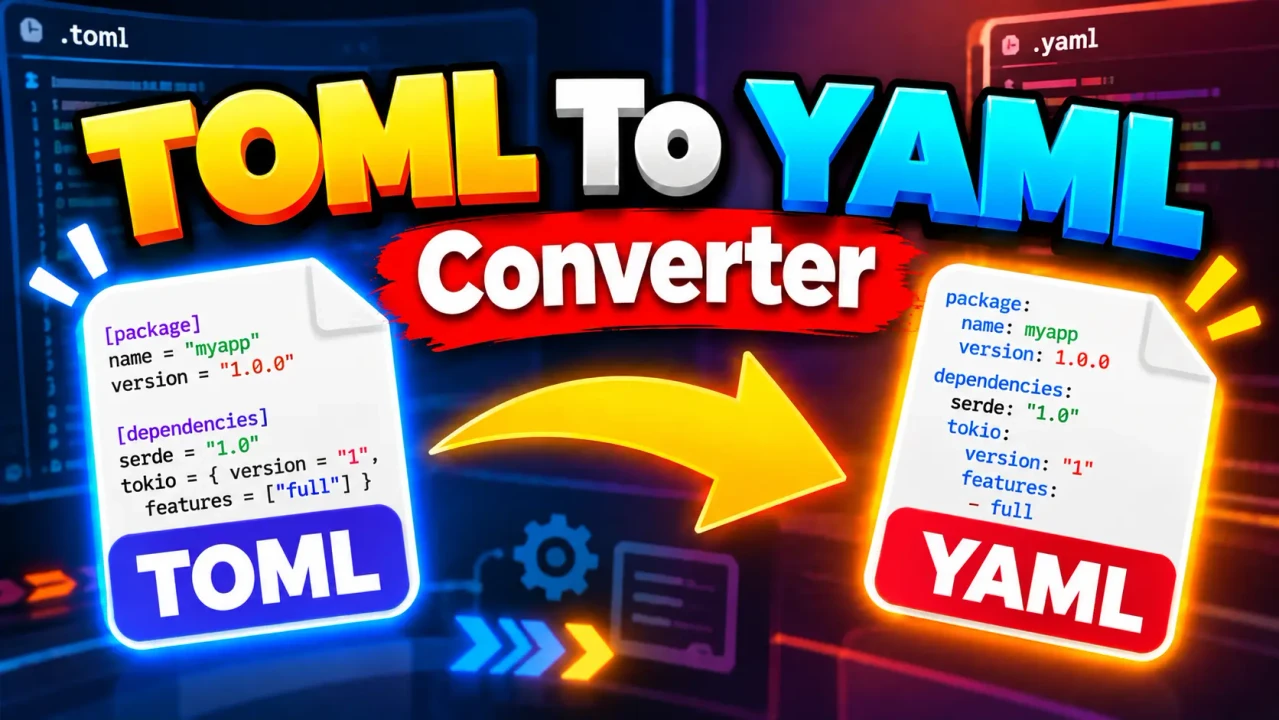
TOML to YAML Converter
TL;DR Summary
The TOML to YAML Converter is a format conversion tool intended to turn TOML-formatted data into YAML-formatted data, making configuration or structured text easier to use in systems that expect YAML. The supplied tool information does not document its exact processing method or privacy behavior, so avoid entering sensitive information unless the page clearly explains how submitted data is handled.
About This Tool
The TOML to YAML Converter is designed for a common developer and configuration task: changing structured data from TOML syntax into YAML syntax. TOML stands for Tom's Obvious Minimal Language. YAML is a human-readable data serialization format commonly used for configuration files and structured data. Although both formats can represent similar information, they use different syntax rules.
This converter is useful when a project, configuration system, deployment workflow, documentation example, or development task requires YAML instead of TOML. Instead of manually rewriting keys, values, nested sections, arrays, and other supported TOML structures, a converter can provide a structured YAML representation of the same underlying data.
Typical users include software developers, DevOps engineers, system administrators, technical writers, students, and anyone working with configuration files. It can also be useful when moving configuration data between tools that support different configuration formats.
What You Enter
The primary input for a TOML to YAML conversion is TOML-formatted text. A valid TOML document can contain common TOML data structures such as key-value pairs, tables, nested tables, arrays, and other values supported by the TOML specification or by the converter's underlying implementation.
The supplied tool context identifies the utility as a TOML to YAML Converter, but it does not document a complete list of interface fields, optional controls, supported TOML versions, or implementation-specific settings. Therefore, this page does not assume that the tool provides options such as indentation controls, sorting, custom quoting, or downloadable output unless those options are actually shown by the tool.
What You Get
The intended output is YAML-formatted text representing the information contained in the supplied TOML input. The purpose of the conversion is to preserve the data structure while expressing it with YAML syntax.
For example, TOML may represent a simple setting like this:
name = "Toolhox"
enabled = true
The corresponding YAML representation is:
name: Toolhox
enabled: true
The important point is that the converter changes the format, not the intended meaning of the data. The exact formatting of the generated YAML can depend on the conversion implementation.
How to Use
- Step 1: Prepare the TOML text you want to convert and make sure it follows valid TOML syntax.
- Step 2: Enter or paste the TOML content into the converter's input area.
- Step 3: Run the conversion using the tool's available convert action.
- Step 4: Review the generated YAML and check that keys, values, nesting, arrays, and other structures match the original TOML data.
- Step 5: Copy or otherwise use the resulting YAML according to the options provided by the tool.
Technical Explanation
TOML to YAML conversion is a structured data transformation rather than a simple character replacement. The converter needs to interpret the TOML document as structured data and then express that structure using YAML syntax.
A simplified conversion model is:
TOML text
   ↓
Parse TOML structure
   ↓
Represent keys, values, arrays, and nested tables
   ↓
Serialize the structure as YAML
   ↓
YAML text
There is no single arithmetic formula for this type of converter. The central operation is parsing followed by serialization. The parser identifies TOML constructs and their relationships. The YAML serialization step writes those values and relationships using YAML's syntax.
For example, consider:
[database]
host = "localhost"
port = 5432
The corresponding YAML structure can be represented as:
database:
  host: localhost
  port: 5432
Here, the TOML table named database becomes a nested YAML mapping. The string value remains a string, while the numeric value remains a number.
Common TOML to YAML Mappings
| TOML Structure | Typical YAML Representation |
|---|---|
| Key-value pair | YAML key followed by a colon and value |
| TOML table | Nested YAML mapping |
| Nested table | Deeper YAML indentation |
| TOML array | YAML sequence |
| String value | YAML scalar string |
| Integer or floating-point value | YAML numeric value |
| Boolean value | YAML boolean value |
Example With Nested Data
A TOML configuration such as:
title = "Example"

[server]
host = "example.local"
port = 8080

[server.options]
enabled = true
can be expressed in YAML as:
title: Example
server:
  host: example.local
  port: 8080
  options:
    enabled: true
This example shows why structured conversion is useful. TOML table relationships become YAML nesting, while individual values remain associated with their original keys.
Important Syntax Considerations
TOML and YAML have different rules for strings, booleans, numbers, dates, arrays, tables, quoting, comments, and special values. A valid TOML document does not become valid YAML through simple text substitution. The data must be interpreted according to the source format and then serialized according to the destination format.
Users should also review the result when the input contains advanced TOML features. The supplied tool context does not specify the exact TOML parser, YAML serializer, supported specification versions, or behavior for every edge case. This means the generated YAML should be checked before it is used in an important deployment or production configuration.
Assumptions and Limitations
- The input is expected to be TOML-formatted data.
- The intended output is YAML-formatted data representing the input structure.
- The exact supported TOML and YAML feature sets are not documented in the supplied tool information.
- The exact handling of unusual TOML values, comments, dates, duplicate keys, advanced arrays, and other edge cases is not confirmed here.
- The exact rounding issue does not apply to ordinary format conversion, although numeric representation can still be affected by the parser or serializer implementation.
- The exact privacy and data-processing behavior is not provided in the supplied tool context.
- Users should validate important YAML output with the system or application that will consume it.
Do not rely on a converted file without review when it will control a production system, deployment process, security-sensitive configuration, or other important workflow. A format conversion can preserve structure while still producing output that needs application-specific validation.
Why Use This TOML to YAML Converter & How Our TOML to YAML Converter Beats the Competition
The practical benefit of a dedicated converter is that it focuses on one specific transformation: TOML input to YAML output. Different methods have different trade-offs, and the right choice depends on the size of the data, how often the conversion is needed, and how much control is required.
| Method | Ease of Use | Calculation Speed | Best For | Limitations |
|---|---|---|---|---|
| Toolhox TOML to YAML Converter | Designed for direct TOML-to-YAML conversion | Depends on the tool and input | Users who need TOML data represented as YAML | Exact supported features and processing behavior are not documented in the supplied tool context |
| Manual Conversion | Requires understanding both formats | Depends on the amount of data | Small edits or learning the syntax | More opportunity for typing or structural mistakes |
| Spreadsheet | Requires setting up a structured workflow | Depends on the workflow | Tabular data that already fits a spreadsheet | Not designed specifically for TOML syntax and nested configuration structures |
| Professional or Developer Software | Can require setup or technical knowledge | Depends on the software and workflow | Automated, repeatable, or integrated conversion workflows | May be more setup than needed for a one-time conversion |
The Toolhox tool is best understood as a focused utility for the TOML-to-YAML conversion task. It does not replace application-specific validation, configuration testing, or a more complete development workflow when those are required.
When to Check the Result
Always review the output when the converted YAML will be used by another application. Pay particular attention to indentation, nested objects, arrays, numeric values, booleans, strings, and special TOML values. YAML is indentation-sensitive, so a structurally incorrect indentation level can change how a YAML document is interpreted.
For sensitive configuration, also review the page's own privacy information before entering the data. The supplied tool context does not establish whether the conversion happens entirely in the browser, whether content is transmitted to a server, or whether submitted content is stored. Avoid entering secrets, credentials, API keys, private keys, or other sensitive data unless the site's stated data-handling practices are acceptable for that information.
In short, the TOML to YAML Converter addresses a specific format-conversion need. It is useful when the same structured configuration needs to be expressed in YAML, while the resulting document should still be reviewed and validated for the system where it will be used.