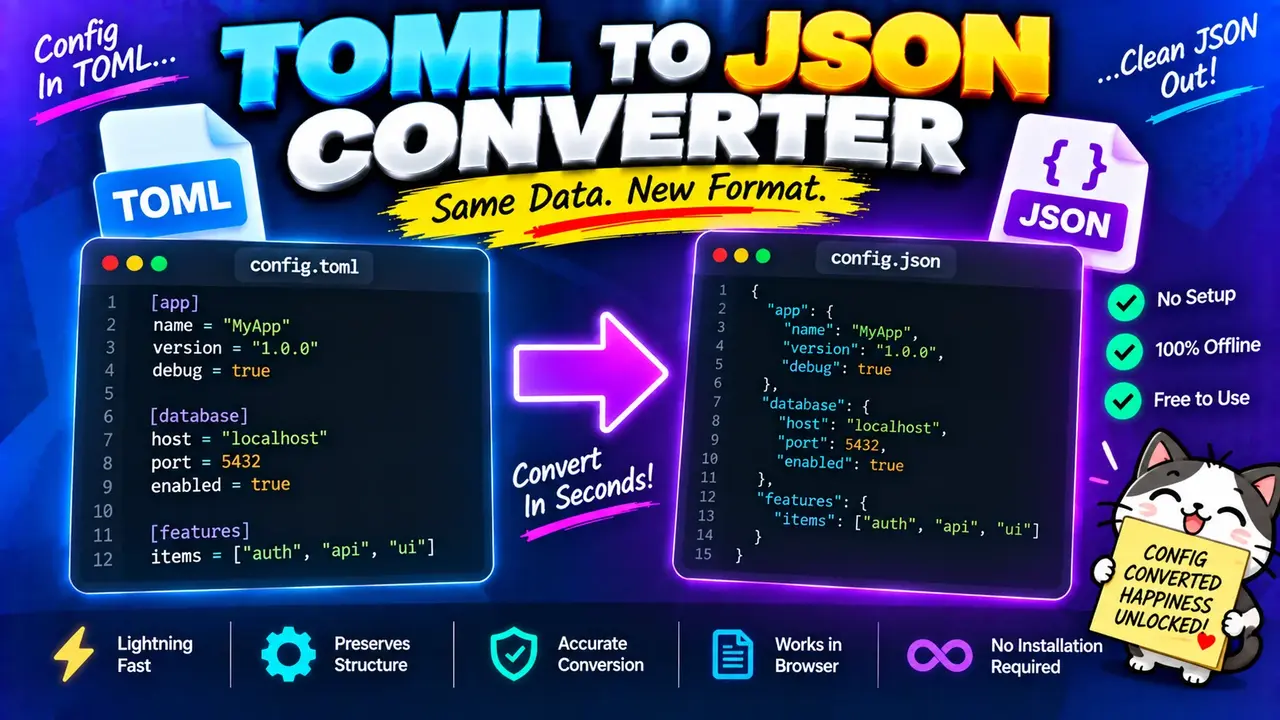
Toml To Json Converter Online
TL;DR Summary
Toml To Json Converter converts TOML (Tom's Obvious, Minimal Language) data into JSON format so configuration data can be used in systems and tools that expect JSON. The exact privacy behavior of this tool is not provided, so avoid entering sensitive information unless the page clearly explains how submitted data is handled.
About This Tool
The Toml To Json Converter is a format conversion tool for changing TOML data into JSON data. TOML is commonly used for configuration files because its syntax is designed to be easy for people to read and edit. JSON is another widely used data format that is common in web applications, APIs, software configuration, and data exchange. When a project or workflow requires JSON but the source data is written in TOML, a converter can reduce the need to rewrite the structure by hand.
This tool is intended for developers, software engineers, system administrators, technical writers, students, and anyone who needs to move structured information from TOML into JSON. It can also be useful when checking how TOML configuration structures map to JSON objects and arrays.
What You Enter
The main input for a TOML to JSON conversion is TOML-formatted text. TOML can contain key-value pairs, tables, nested tables, arrays, strings, numbers, Boolean values, dates, and other supported TOML data types. The input should follow valid TOML syntax so that the converter can interpret the structure correctly.
For example, a simple TOML input can look like this:
name = "Example App"
version = "1.0"

[server]
host = "localhost"
port = 8080
The equivalent JSON structure can be represented as:
{
  "name": "Example App",
  "version": "1.0",
  "server": {
    "host": "localhost",
    "port": 8080
  }
}
The important point is that the converter changes the format while preserving the structured relationships represented by the input. A TOML table such as [server] maps naturally to a nested JSON object.
What You Get
The output is JSON text representing the data contained in the TOML input. JSON uses objects, arrays, strings, numbers, Boolean values, and null values to represent structured information. TOML features that have a direct JSON representation can therefore be expressed in the resulting JSON structure.
The converted JSON can then be copied into a project, configuration workflow, API request, documentation example, test file, or another system that accepts JSON. Before using the output in production, check it against the requirements of the system receiving the JSON.
How to Use
- Step 1: Enter or paste the TOML data you want to convert into the tool's TOML input area.
- Step 2: Check the TOML syntax and make sure tables, arrays, strings, numbers, and other values are written correctly.
- Step 3: Run the conversion to transform the TOML structure into JSON.
- Step 4: Review the generated JSON and confirm that nested objects, arrays, keys, and values match your source TOML.
- Step 5: Copy the JSON output and use it where JSON-formatted data is required.
Technical Explanation
This is a format converter, rather than a calculator that uses a numerical formula. The conversion works by reading the structure represented by the TOML input and expressing that structure using JSON syntax.
There is no single arithmetic conversion formula such as a unit-conversion equation. Instead, the standard conversion method can be described as:
TOML document → parsed data structure → JSON documentThe first stage interprets the TOML syntax. The second stage represents the parsed values and relationships as a structured data model. The final stage serializes that structure as JSON text.
For example, the TOML:
title = "My Project"

[database]
host = "db.example"
port = 5432

[database.options]
ssl = true
can be represented in JSON as:
{
  "title": "My Project",
  "database": {
    "host": "db.example",
    "port": 5432,
    "options": {
      "ssl": true
    }
  }
}
Here, title remains a JSON string, port remains a number, and ssl becomes a JSON Boolean. The TOML tables become nested JSON objects.
Data Types and Structure
| TOML concept | Typical JSON representation |
|---|---|
| Key-value pair | Object property |
| Table | Nested JSON object |
| Array | JSON array |
| String | JSON string |
| Integer or float | JSON number, subject to JSON number rules |
| Boolean | JSON Boolean |
Some TOML values do not have a perfectly identical JSON data type. Dates and times are an important example. JSON does not define a dedicated date or time type, so a TOML date or time may need to be represented as a JSON-compatible value, commonly as text. The exact representation depends on the conversion implementation and the TOML value being processed.
Common TOML to JSON Conversion Issues
Most conversion problems come from invalid or unsupported input rather than from JSON itself. Check spelling, quotation marks, brackets, commas where required by the TOML syntax, table names, array structure, and value types when a conversion does not produce the expected result.
Nested tables also deserve attention. TOML uses table declarations to describe hierarchy, while JSON uses nested braces. A TOML table such as [app.settings] normally corresponds to an app object containing a settings object in JSON.
Another issue is the difference between TOML's richer type system and JSON's smaller set of basic types. If your TOML contains dates, times, or other values without a direct JSON equivalent, inspect the generated output before using it in an application.
Preset Examples / Quick Reference
| TOML input | JSON structure |
|---|---|
name = "Alex" |
{"name":"Alex"} |
enabled = true |
{"enabled":true} |
count = 5 |
{"count":5} |
tags = ["a", "b"] |
{"tags":["a","b"]} |
[user] |
{"user":{"name":"Alex"}} |
Why Use This Toml To Json Converter & How Our Toml To Json Converter Beats the Competition
The practical value of a TOML to JSON converter is that it provides a dedicated way to translate one structured format into another. Different approaches are useful in different situations, so the right choice depends on the size of the data, how often the conversion is needed, and how much control is required.
| Method | Ease of Use | Calculation Speed | Best For | Limitations |
|---|---|---|---|---|
| Toolhox Toml To Json Converter | Designed for direct TOML-to-JSON conversion | Depends on input size and implementation | Quick format conversion | Exact privacy behavior and implementation details are not provided here |
| Manual conversion | Requires editing the structure by hand | Depends on the person doing the work | Small changes or learning the formats | Manual work can introduce structural or syntax errors |
| Spreadsheet calculation | Not designed specifically for TOML parsing | Depends on the workflow | Tabular data tasks | Requires adapting structured configuration data to a spreadsheet workflow |
| Professional software or custom code | Can require setup or programming knowledge | Depends on the implementation | Automated or specialized workflows | May require more setup than a simple conversion task |
Assumptions and Limitations
The conversion assumes that the supplied input is intended to be TOML and follows the syntax supported by the converter. Invalid TOML may produce an error or prevent the expected JSON structure from being generated. Because the exact internal parser and implementation are not supplied, this page does not claim a specific TOML version, parser library, error-handling method, maximum input size, or rounding behavior.
JSON also has a more limited type system than TOML. This means that some TOML-specific values may need to be represented differently in JSON. Dates and times are common examples because JSON has no built-in date type.
Always inspect the generated JSON before placing it into a production configuration or application. Check required keys, nested objects, arrays, data types, and any values that are important to your application. If the JSON controls security settings, production infrastructure, financial systems, or another important process, validate the output using the receiving system's own rules as well.
The tool page does not provide enough information to make a specific privacy claim about whether input is processed locally, sent to a server, or stored. Avoid entering passwords, private keys, confidential configuration, personal information, or other sensitive data unless the page clearly explains how that information is handled.
For repeated or automated conversions, developers may prefer a dedicated TOML parser and JSON serializer in their programming environment. A web converter is most useful when you need to translate TOML into JSON and review the resulting structure directly.