Markdown Token Counter
Count tokens in Markdown prompts and estimate text size with Llm Prompt Token Counter For Markdown Text. Useful for prompt planning and LLM context limits.
Result
No estimate yetLocal analysis: auto content profile via detectProfile; fallback heuristic with range. How was this calculated? Exact = local tokenizer count, Estimated = heuristic range.
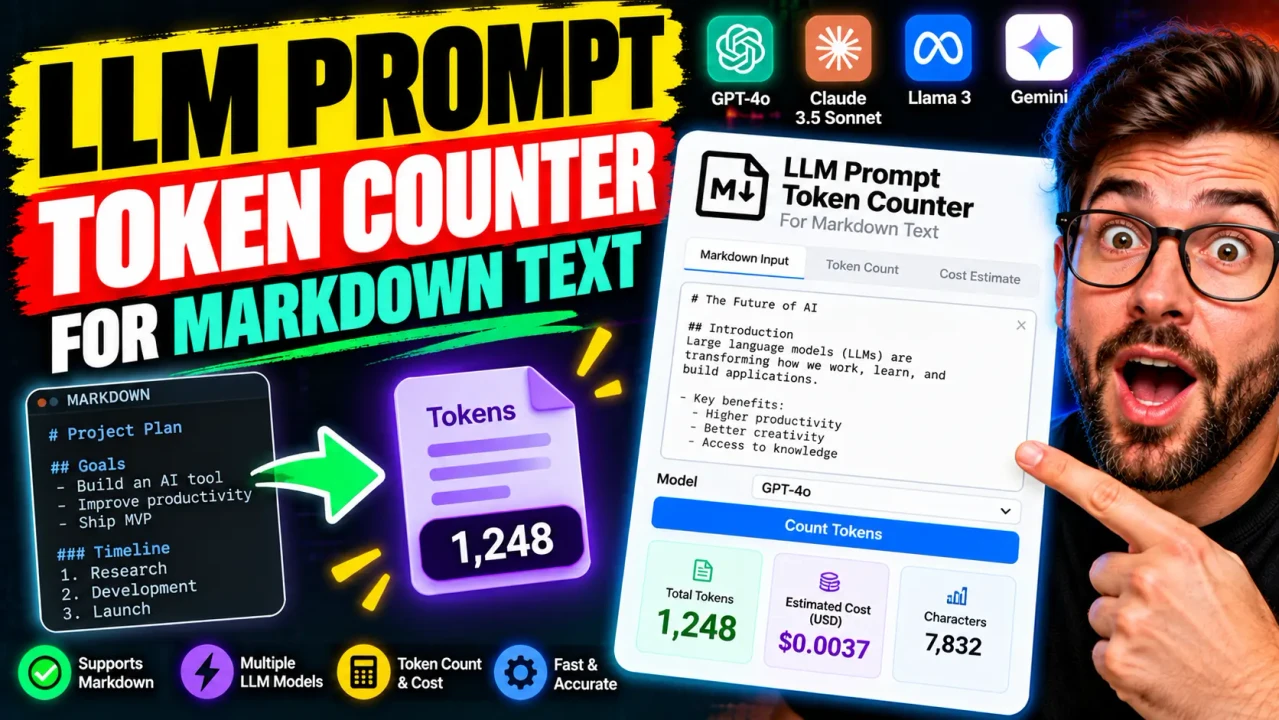
Llm Prompt Token Counter For Markdown Text
TL;DR Summary
Llm Prompt Token Counter For Markdown Text estimates the number of language-model tokens in the Markdown text you enter and also shows basic text counts such as characters, words, and lines. It is an estimate rather than a model-specific tokenizer result, and the supplied tool information does not establish a specific privacy or storage policy, so avoid entering sensitive information unless the page explains how that data is handled.
About This Tool
Llm Prompt Token Counter For Markdown Text is designed for people who work with AI prompts written in Markdown. It gives you a quick way to estimate the size of a prompt before you send it to a language model. This can be useful when you are writing system instructions, user prompts, documentation prompts, coding prompts, structured notes, or other Markdown-based content for an AI workflow.
A token is a unit used by a language model to process text. A token is not always the same as a word. Depending on the model and its tokenizer, a token can represent part of a word, a complete word, punctuation, or other text. Spaces and formatting can also affect how text is divided into tokens. Because of this, a simple word count cannot tell you the exact number of tokens in a prompt.
This tool focuses on the Markdown source you provide. Markdown characters are part of the text being estimated. For example, headings, bold markers, inline-code markers, list symbols, links, and other Markdown syntax remain part of the input. The calculator does not silently convert the Markdown into plain prose before producing its estimate.
What You Enter
The calculator uses one required input: Markdown Text. Paste or type the complete Markdown prompt you want to review. You can include normal paragraphs, headings, lists, emphasis, inline code, code blocks, links, and other Markdown syntax as part of the text.
There are no required model selections, API credentials, pricing inputs, file uploads, or other configuration fields in the supplied calculator specification. Keeping the input simple makes the tool suitable for checking a prompt while you are drafting it.
What You Get
The primary result is Estimated Tokens. The calculator also reports the number of characters, words, and lines in the supplied Markdown text. These supporting values help you understand why a prompt may be getting larger even when the visible word count does not change very much.
- Estimated Tokens: An approximate token count based on a general character-to-token estimate.
- Characters: The number of Unicode characters in the entered Markdown text.
- Words: The number of non-whitespace text groups.
- Lines: The number of lines in the entered text.
How to Use
- Step 1: Prepare the Markdown prompt you want to measure, including headings, lists, code, links, and other Markdown syntax that will be part of your prompt.
- Step 2: Paste the complete Markdown into the Markdown Text field.
- Step 3: Review the Estimated Tokens result along with the character, word, and line counts.
- Step 4: If the prompt is larger than intended, edit the Markdown and review the updated estimate.
- Step 5: For an exact count required for a specific model or API request, verify the final text with that model's tokenizer or official token-counting method.
Technical Explanation and Formula
The calculator uses a standard rough estimation approach rather than claiming to reproduce a specific model tokenizer. The core estimate is:
Estimated Tokens = ceiling(Character Count ÷ 4)
In this formula, Character Count is the number of Unicode characters in the Markdown source. The divisor of 4 represents the common rough estimate of about four characters per token for English text. The ceiling operation rounds the result up to the next whole token.
For example, if the Markdown input contains 800 characters:
Estimated Tokens = ceiling(800 ÷ 4) = 200 tokens
This formula is useful for planning prompt size, but it is not an exact tokenizer calculation. Actual tokenization can differ because models can use different tokenization schemes and encodings. The same text may therefore produce different token counts with different models or languages.
The calculator also counts words and lines independently. Word count is based on groups of characters separated by whitespace. Line count is based on the line breaks in the submitted text. These values are descriptive measurements and are not used to replace the token estimate.
Why Markdown Matters
Markdown is more than the visible words on a rendered page. A prompt such as ## Instructions contains the heading markers as part of its source text. Similarly, bold text contains Markdown markers, links contain URL and link syntax, and code blocks contain their delimiters. When you are preparing a prompt for an AI model, the source you actually submit is what matters.
For that reason, paste the complete Markdown version into the calculator when you want to estimate the size of the prompt you plan to send. Measuring only a copied paragraph or only the rendered text can produce a different result from measuring the full Markdown source.
Preset Examples and Quick Reference
| Input | Character Count | Estimated Tokens |
|---|---|---|
| Hello world | 11 | 3 |
| # Hello This is Markdown. |
30 | 8 |
These examples demonstrate the calculator's estimation formula, not exact tokenization for a particular AI model. The Markdown characters are included in the character count.
When This Tool Is Useful
This calculator can help prompt writers check the approximate size of long instructions before using them in an AI workflow. It can also help when comparing two drafts. If one version has substantially more characters, its estimated token count will generally be higher under this simple estimation method.
Developers can use the result as an early planning signal when drafting prompts, documentation, templates, or Markdown-based instructions. Writers can use it when trimming repeated wording or deciding whether a long prompt should be divided into smaller parts.
The tool is also useful for reviewing prompt growth over time. A prompt may become much longer after adding examples, detailed rules, code snippets, formatting instructions, or reference material. Character, word, line, and estimated-token counts provide several simple ways to see that growth.
Why Use This Llm Prompt Token Counter For Markdown Text & How Our Calculator Beats the Competition
| Method | Ease of Use | Calculation Speed | Best For | Limitations |
|---|---|---|---|---|
| Toolhox Calculator | Paste Markdown into one field | Returns a local calculation result from the supplied text | Quick prompt-size estimates | Uses an approximate character-to-token method rather than a model-specific tokenizer |
| Manual Calculation | Requires counting and arithmetic | Depends on the person doing the calculation | Simple rough checks | Easy to repeat incorrectly and difficult for long Markdown prompts |
| Spreadsheet Calculation | Requires spreadsheet setup | Depends on the spreadsheet formula | Custom text-size tracking | Requires a separate spreadsheet workflow and does not automatically provide model-specific tokenization |
| Model-Specific Tokenizer | Requires the appropriate tokenizer or service | Depends on the tokenizer implementation | Model-specific token counts | Must use the tokenizer or encoding that matches the target model |
The practical difference is scope. Toolhox's calculator is intended as a simple prompt-size estimator. A model-specific tokenizer is the appropriate choice when the exact token count for a particular model or API request matters. Neither method should be treated as interchangeable when a strict context-window or billing calculation is required.
Assumptions and Limitations
The main assumption is that roughly four characters correspond to one token for the text being estimated. This is a rough English-text guideline, not a universal tokenization rule. Actual token counts can vary with the target model, tokenizer, encoding, language, spelling, capitalization, spaces, and the surrounding text.
The calculator does not identify a target AI model and does not use a model-specific tokenizer. It therefore should not be presented as an exact token count for a particular model. It also does not calculate the complete token usage of a structured API request that may contain message roles, tools, schemas, images, files, or other request components.
Markdown syntax is included in the submitted text estimate. The calculator does not provide a separate Markdown-rendered token count and does not claim to reproduce the hidden tokenization process of any specific language model.
Use the result as a planning estimate. If you are close to a model's context limit, maximum input size, or a usage-based billing threshold, verify the final prompt with the tokenizer or official token-counting method for the exact model and request format you intend to use.
Privacy behavior is not specified by the supplied calculator information. Do not enter passwords, confidential business information, personal records, API keys, or other sensitive material unless the Toolhox page clearly explains how submitted text is handled.
For current model limits and exact token usage, consult the documentation for the specific model or API you are using. An approximate text token count is useful for planning, but it should not be treated as a guarantee that a complete AI request will fit within a particular context window.
