LLM Prompt Token Calculator
Use the Llm Prompt Token Calculator Online to estimate prompt tokens, review text size, and plan LLM usage and API costs before sending requests.
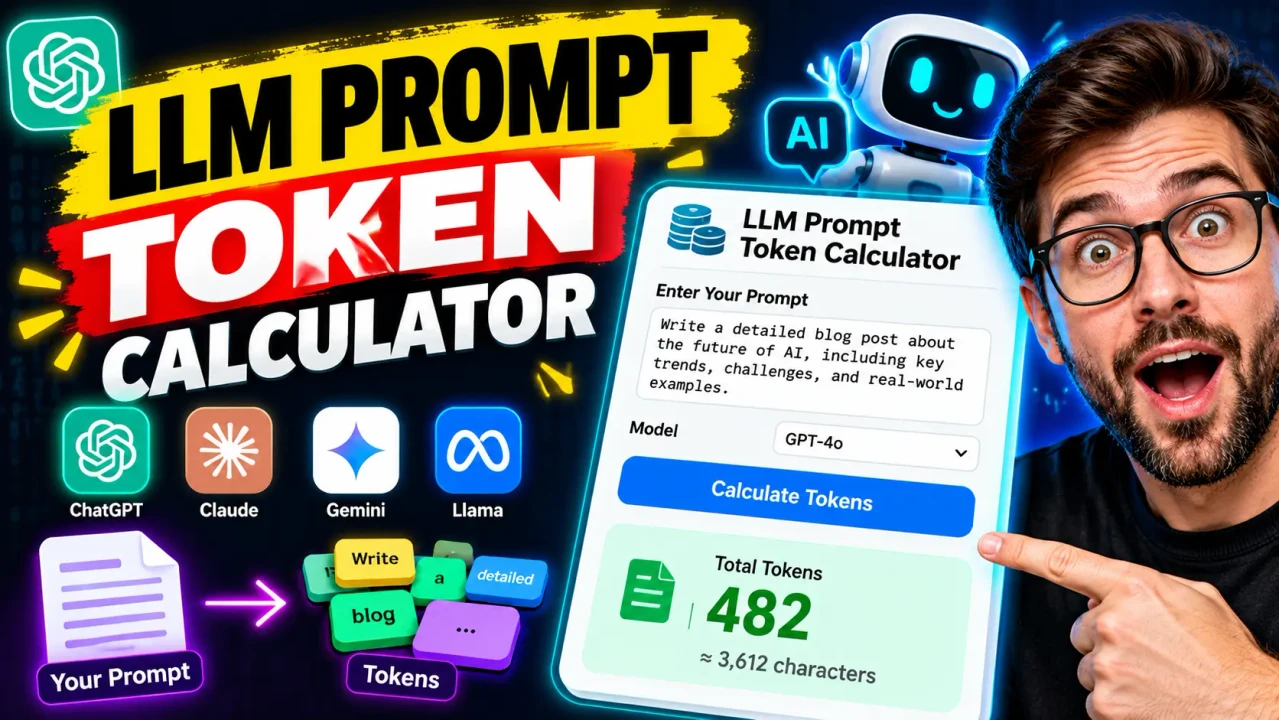
Llm Prompt Token Calculator
TL;DR Summary
The Llm Prompt Token Calculator helps estimate how many tokens a text prompt may use so you can review prompt size before working with a large language model (LLM). Use the result as a planning estimate because exact token counts can vary by tokenizer and model, and the supplied tool information does not specify its privacy or data-storage behavior.
About This Tool
The Llm Prompt Token Calculator is designed for people who work with large language models and want a simple way to understand the approximate size of a prompt. A token is a small piece of text that an LLM processes. Depending on the tokenizer, a token may represent a whole word, part of a word, punctuation, whitespace, or another piece of text.
Prompt size matters because language models process text within a context window. Developers, prompt writers, students, researchers, and AI users may want to estimate token usage before sending a long prompt. A token estimate can also help when comparing short and long versions of instructions, planning a prompt, or checking whether a large block of text may be close to a model's input limits.
The calculator is intended as a practical estimation tool rather than a replacement for a model-specific tokenizer. The supplied tool materials identify the calculator by name but do not provide a confirmed internal tokenizer, model selection, or model-specific tokenization algorithm. Because of that, this page does not claim that a displayed estimate is the exact token count for every LLM.
What Is a Token?
A token is a unit used by a language model when it reads or generates text. Tokens are not the same thing as words. For example, a short English word may sometimes correspond to one token, while a longer or less common word may be split into several tokens. Punctuation and spaces can also affect tokenization.
The exact result depends on the tokenizer used by the model. Two models can therefore produce different token counts for the same text. This is one of the most important limitations to understand when using a general prompt token calculator.
What Does the Calculator Help With?
The main purpose is prompt-size planning. You can use an estimate to understand whether a prompt is relatively small or large before using it with an LLM. This can be useful when writing system instructions, preparing long user prompts, reviewing documents intended for AI processing, or trimming unnecessary text.
For developers, an estimate can be useful during early prompt design. For everyday AI users, it provides a simple way to think about prompt length without manually counting pieces of text. The result should still be treated as an estimate unless the tool is explicitly connected to the exact tokenizer used by the target model.
Inputs and Outputs
The supplied materials do not document a detailed internal field list for this specific calculator. Based on the tool name and stated purpose, the core input is text that the user wants to evaluate. The useful output is an estimated token count or token-related size measurement.
Do not assume that an estimate applies equally to every model. If you are preparing a prompt for a specific API or model, use that provider's tokenizer or official token-counting method when an exact count is required.
How to Use
- Step 1: Enter or paste the prompt text you want to evaluate into the calculator's text input.
- Step 2: Review the calculated token estimate shown by the tool.
- Step 3: Compare the estimate with the input or context limit that applies to the model you plan to use.
- Step 4: If the prompt is larger than needed, remove repeated instructions, unnecessary wording, or other text and calculate the estimate again.
- Step 5: For production work where exact token accounting matters, verify the final text with the tokenizer or official counting method for the specific model.
Technical Explanation and Formula
An exact token formula cannot be confirmed from the supplied tool materials because no specific tokenizer implementation is provided. Tokenization is normally performed by a model-specific tokenizer rather than by a universal mathematical formula.
A simple estimation approach sometimes used for rough planning is:
Estimated tokens ≈ character count ÷ average characters per token
However, the average characters-per-token value is tokenizer-dependent. It should therefore be treated only as an approximation unless the calculator's implementation defines a specific conversion method.
Another rough planning method sometimes used is based on word count, but word count and token count are not interchangeable. Text containing unusual words, code, URLs, symbols, numbers, or languages other than English can tokenize differently from ordinary English prose.
For that reason, the most important variable is the actual text being evaluated, while the tokenizer is the key dependency for an exact result. If the tool uses an estimation method rather than the target model's tokenizer, its output should be described as an estimate.
Worked Example
Suppose you are preparing a short instruction prompt and want to know whether it is small enough for your intended model. You enter the complete prompt into the calculator and receive an estimated token count. That number gives you a practical indication of prompt size, but it does not by itself prove that the exact same number will be reported by every model.
For example, if a calculator reports an estimate of 1,000 tokens, you can use that figure for rough planning. You should not assume that every tokenizer will report exactly 1,000 tokens for the same text.
Why Prompt Token Counts Matter
Token counts are useful when prompts become long. A prompt may contain instructions, examples, background information, conversation history, code, tables, or pasted documents. All of that text can contribute to the model's input size.
Understanding prompt size can help you decide whether to shorten a prompt, split information into separate requests, remove repeated context, or check the limits of the model you are using. It can also make prompt development easier because you can compare the estimated size of different versions.
Common Factors That Change Token Counts
| Text Type | Why It Can Matter |
|---|---|
| Ordinary words | Words may be represented by one or several tokens depending on the tokenizer. |
| Punctuation | Punctuation can affect how text is divided into tokens. |
| Code | Symbols, indentation, identifiers, and punctuation can produce different token patterns. |
| URLs | Long URLs and their symbols may tokenize differently from normal prose. |
| Numbers | Numbers are not necessarily represented as one token. |
| Non-English text | Tokenization varies across languages and writing systems. |
Preset Examples and Quick Reference
| Use Case | What to Check |
|---|---|
| Short prompt | Use the estimate to understand the basic prompt size. |
| Long instructions | Check whether repeated or unnecessary wording can be removed. |
| Large document | Estimate the text size before adding it to an LLM request. |
| Code prompt | Allow for tokenizer differences caused by symbols and formatting. |
| Production API request | Verify the final count using the target model's supported tokenizer or counting method. |
Why Use This Llm Prompt Token Calculator & How Our Llm Prompt Token Calculator Beats the Competition
The practical value of this calculator is that it gives users a dedicated place to review prompt size instead of relying only on word count. Different approaches have different strengths, and the right choice depends on whether you need a rough estimate or an exact model-specific count.
| Method | Ease of Use | Calculation Speed | Best For | Limitations |
|---|---|---|---|---|
| Toolhox Llm Prompt Token Calculator | Simple | Designed for quick estimation | Reviewing prompt size | Exact tokenizer behavior is not documented in the supplied tool information. |
| Manual calculation | Low | Depends on the method used | Learning or checking a calculation manually | Tokenization is not easily reproduced without a tokenizer. |
| Spreadsheet calculation | Moderate | Depends on the spreadsheet setup | Custom text-size tracking | Requires setup and does not automatically provide model-specific tokenization. |
| Model-specific tokenizer | Depends on the provider and workflow | Depends on the tokenizer and tool | Exact or model-specific token counting | Requires access to the appropriate tokenizer or official counting method. |
Assumptions and Limitations
The main assumption is that the calculator is being used to estimate the token size of supplied prompt text. The supplied materials do not identify a particular LLM, tokenizer, model version, or exact internal tokenization algorithm, so an exact model-specific result should not be assumed.
Token counts can change when the same text is processed by different tokenizers. Code, URLs, numbers, punctuation, whitespace, and non-English text can also produce results that differ from simple word-count or character-count estimates.
The calculator should not be used as the sole basis for deciding whether a production request will fit a specific model's context window unless the calculation method is confirmed to use that model's tokenizer. Model limits can also change, so check the documentation for the model or service you intend to use.
The tool page's supplied information does not document whether entered prompt text is processed locally, sent to a server, or stored. Users should avoid entering sensitive or confidential information unless the page clearly explains how submitted data is handled.
For normal prompt planning, the calculator can help you understand the approximate size of text. For billing, API limits, production deployments, or other situations where exact token accounting matters, verify the result with the target provider's current documentation and model-specific counting method.