System Prompt Token Calculator
Use System Prompt Token Usage Calculator to estimate prompt tokens, review text size, and plan system prompt length before sending content to an LLM.
Result
No estimate yetLocal analysis only: per-section counts via countSections, no server calls. How was this calculated? Exact = local tokenizer count, Estimated = heuristic range.
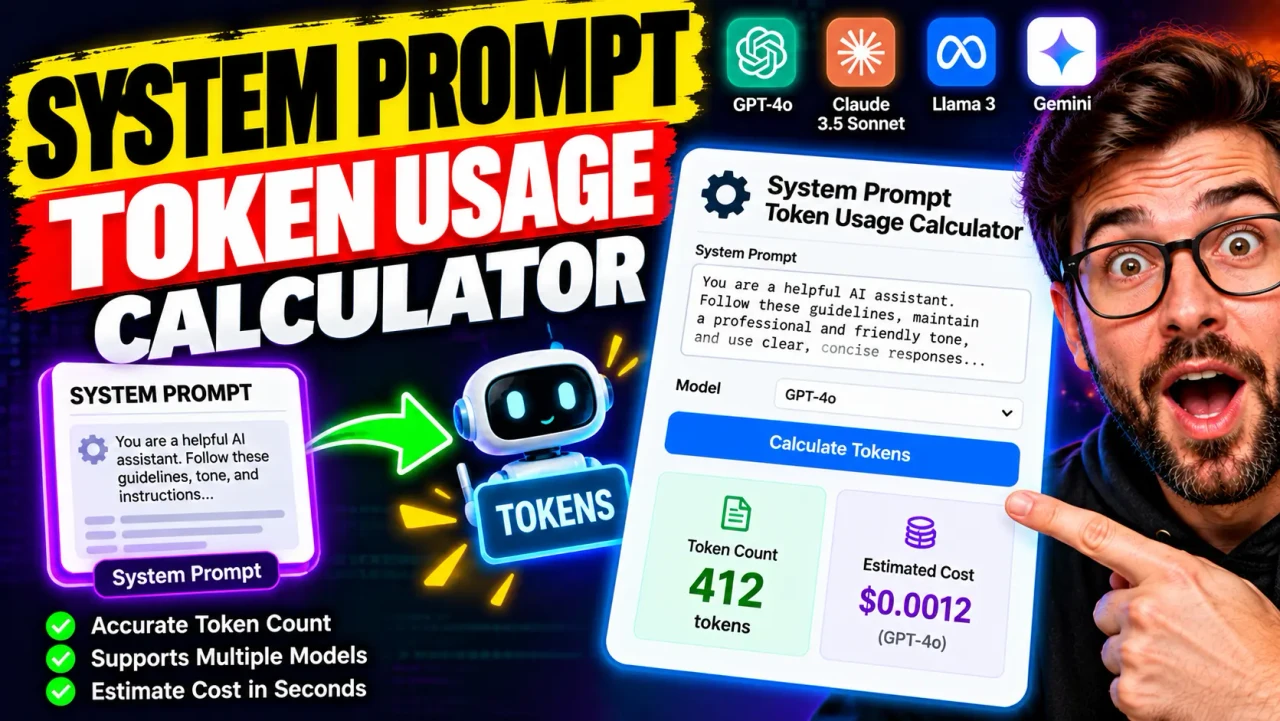
System Prompt Token Usage Calculator
TL;DR Summary
The System Prompt Token Usage Calculator estimates how many tokens a system prompt may use from its character count and also shows the prompt's character and word counts. It is a planning estimate rather than an exact model-specific token count, and no specific privacy behavior for the calculator itself is established by the supplied tool specification.
What Is the System Prompt Token Usage Calculator?
The System Prompt Token Usage Calculator is a simple planning tool for estimating the size of a system prompt in tokens. A system prompt is the set of instructions, rules, context, or behavior guidance supplied to an AI model before a conversation or task begins. Long system prompts can consume a meaningful part of an AI model's available input space, so estimating their size can help when reviewing or reducing prompt length.
Token count is not the same as word count or character count. AI models break text into smaller pieces called tokens. A token can represent a character, part of a word, a complete word, punctuation, or other text. Spaces and capitalization can also affect how text is divided. OpenAI's published guidance gives a rough English-language estimate of about four characters per token, while noting that this is only an approximation. :contentReference[oaicite:2]{index=2}
This tool uses that simple character-based rule to produce an estimated token count. It does not claim to reproduce the exact tokenizer used by a particular AI model. Exact token usage can vary between models and encodings, and a complete API request can contain additional structure beyond the plain text of a system prompt. :contentReference[oaicite:3]{index=3}
What Does It Calculate?
The calculator takes one main input: your system prompt. Paste the text into the System Prompt field and the calculator analyzes the text length.
The results include:
- Estimated Tokens: A rough token estimate based on approximately four characters per token.
- Characters: The total number of characters in the entered prompt.
- Words: The number of whitespace-separated words in the entered prompt.
- Estimate Method: A note explaining that the estimate uses the four-characters-per-token rule.
The calculator does not require a model selection because the supplied specification does not establish a model-specific tokenizer. This keeps the calculation focused on prompt-size planning rather than presenting an exact count that the available information cannot support.
Who Can Use This Tool?
This tool can be useful for developers, prompt designers, AI application builders, technical writers, researchers, and anyone who creates long system instructions. It can also help when comparing different versions of a prompt during editing.
For example, if a system prompt contains many repeated instructions, examples, formatting rules, or long policy sections, the estimated token count provides a quick indication of how much text is being supplied to the model. You can then shorten unnecessary sections and calculate the revised prompt again.
How to Use
- Step 1: Copy the complete system prompt you want to examine.
- Step 2: Paste the prompt into the System Prompt field.
- Step 3: Run the calculator to view the estimated token count, character count, and word count.
- Step 4: Compare the estimate with the prompt size you are trying to manage.
- Step 5: If the prompt is larger than intended, remove repeated or unnecessary text and calculate the revised version again.
Technical Explanation and Formula
The calculator uses a standard rough character-based estimate for English text.
Formula:
Estimated Tokens = Ceiling(Character Count ÷ 4)
Here, Character Count is the number of characters in the system prompt, and 4 is the approximate number of characters per token used for the estimate.
For example, a prompt containing 4,000 characters would produce:
4,000 ÷ 4 = 1,000 estimated tokens
A prompt containing 4,001 characters would produce:
4,001 ÷ 4 = 1,000.25
The calculator rounds this estimate upward to the next whole token, producing approximately 1,001 tokens.
This is a rough estimate, not a tokenizer result. OpenAI explains that one token is approximately four characters for English text, but also notes that token counts vary with the model, encoding, language, spelling, capitalization, spaces, and surrounding text. :contentReference[oaicite:4]{index=4}
Why Token Usage Matters for System Prompts
System prompts consume input space because they are part of the information supplied to an AI model. A larger system prompt leaves less available room for other input content when the model has a fixed context limit. The exact impact depends on the model and API being used.
Token usage can also matter when estimating API consumption. OpenAI distinguishes input tokens from output tokens. Input tokens are supplied to the model, while output tokens are generated by the model. Some systems also report cached input tokens and reasoning-related usage separately. :contentReference[oaicite:5]{index=5}
That means a system prompt token estimate should not automatically be treated as the total token usage of an API request. A complete request may also contain user messages, conversation history, tools, files, images, schemas, and other request structure. OpenAI specifically notes that plain-text token counting does not necessarily represent the complete input-token count for every API request. :contentReference[oaicite:6]{index=6}
Quick Reference
| Prompt Size | Approximate Token Estimate |
|---|---|
| 1,000 characters | 250 tokens |
| 2,000 characters | 500 tokens |
| 4,000 characters | 1,000 tokens |
| 8,000 characters | 2,000 tokens |
| 10,000 characters | 2,500 tokens |
These examples use the same approximate four-characters-per-token relationship as the calculator. They are useful for planning, but they should not be treated as exact tokenizer output. The relationship can differ significantly for some languages and types of text. :contentReference[oaicite:7]{index=7}
Estimate vs. Exact Token Count
The most important limitation is that this calculator provides an estimate. Exact tokenization depends on the tokenizer and encoding used by the target model. Two models can divide the same text differently, so the same system prompt may have different token counts depending on which model or encoding is used.
If you need an exact count for a production API request, use the tokenizer or token-counting method documented for the specific model and API you are using. OpenAI also notes that a plain-text count may not include all of the tokens associated with a complete API request. :contentReference[oaicite:8]{index=8}
Why Use This System Prompt Token Usage Calculator & How Our Calculator Beats the Competition
| Method | Ease of Use | Calculation Speed | Best For | Limitations |
|---|---|---|---|---|
| Toolhox Calculator | Enter one prompt | Immediate estimate | Quick prompt-size planning | Uses a rough character-based estimate rather than a model-specific tokenizer |
| Manual Calculation | Requires counting and arithmetic | Depends on the method used | Simple one-off estimates | Easy to make counting or arithmetic mistakes |
| Spreadsheet | Requires setup | Fast after setup | Repeated prompt-size tracking | Requires a separate spreadsheet workflow |
| Model-Specific Tokenizer | Depends on the tokenizer | Depends on the implementation | Exact or model-specific token counting | Requires the correct tokenizer or API-supported counting method |
The practical difference is scope. Toolhox's calculator is designed for a quick rough estimate from prompt length. A model-specific tokenizer is more appropriate when exact tokenization is required for a particular model. The calculator should therefore be viewed as a planning aid rather than a replacement for provider-specific usage data.
Assumptions and Limitations
- The calculator assumes the rough English-text relationship of approximately four characters per token.
- The result is an estimate and is not an exact model-specific token count.
- Tokenization can vary by model, encoding, language, punctuation, spacing, capitalization, and text structure.
- The calculation does not determine the full token count of an API request.
- User messages, conversation history, tools, files, images, schemas, and request formatting can affect actual input-token usage.
- The calculator does not estimate API price because no provider, model, or pricing schedule is selected by the supplied tool specification.
- The calculator does not establish a model context limit.
- Users should use the target provider's documented tokenizer or usage information when an exact production figure is required.
Use the System Prompt Token Usage Calculator when you need a quick way to understand the approximate size of a system prompt. For production cost calculations, context-limit checks, billing reconciliation, or exact model-specific token counts, verify the result using the documentation and usage data for the model and API you actually use.