Env To Json Stringify
Convert .env to JSON.stringify output instantly. Free online env to JSON converter that runs entirely in your browser - paste .env, click Convert, copy the stringified JSON.
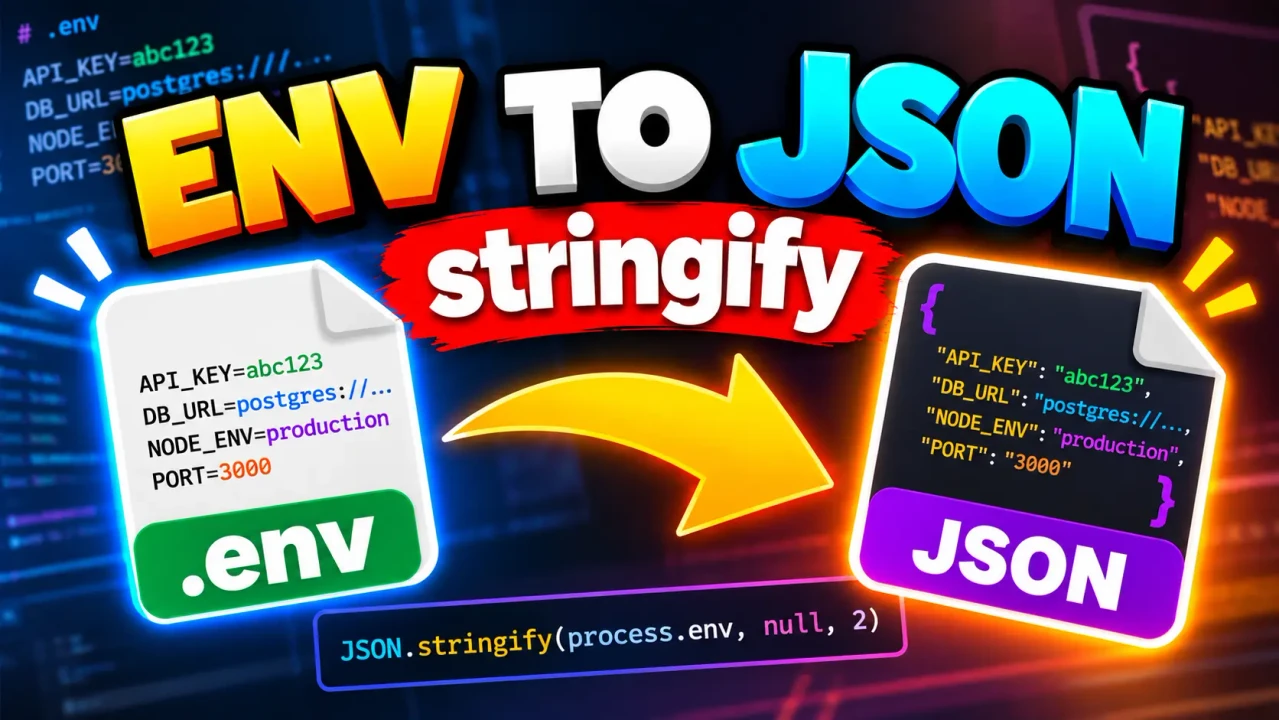
Env To Json Stringify
TL;DR Summary
Env To Json Stringify is a developer utility for turning environment-variable style text into a JSON string representation. The supplied tool information does not confirm its exact parsing rules or privacy behavior, so treat the result as a convenience for formatting and inspect the output before using it in code or configuration.
What Is Env To Json Stringify?
Env To Json Stringify is a practical developer tool designed around a common configuration task: converting environment-variable data into a JSON string. Environment variables are often written as simple key-value pairs, while JSON uses objects, property names, values, quotation marks, commas, and other JSON syntax. Moving between these formats by hand can be repetitive and can introduce formatting mistakes.
The tool is useful when you already have environment-style configuration and need a JSON representation that can be copied into another development workflow. This can help developers inspect configuration data, prepare test values, create sample configuration objects, or transform text into a format that can be consumed where JSON is expected.
The name of the tool identifies its core purpose, but the supplied material does not document a complete implementation specification. For that reason, this page describes the standard conversion concept rather than claiming hidden parser behavior. Exact handling of comments, blank lines, duplicate keys, quoted values, escaped characters, multiline values, invalid lines, or special environment-variable syntax should be confirmed from the live tool interface before relying on those behaviors.
What Problem Does It Solve?
Environment configuration and JSON are both common in software development, but they use different text formats. A typical environment-style entry has a key followed by an equals sign and a value. JSON instead represents data as an object with quoted property names and properly encoded values.
For example, an environment-style configuration may look like this:
APP_NAME=My App
APP_MODE=development
API_PORT=3000
A JSON representation of the same simple values can be written as:
{
  "APP_NAME": "My App",
  "APP_MODE": "development",
  "API_PORT": "3000"
}
If the intended output is a JSON string rather than a formatted JSON object, the resulting representation may be serialized using the equivalent of JavaScript's JSON.stringify() behavior. In that case, characters such as quotation marks and line breaks are escaped so the complete JSON data can be represented as a string.
Who Can Use It?
Env To Json Stringify is primarily relevant to developers, software engineers, QA testers, DevOps users, students learning configuration formats, and anyone working with application settings. It can be useful when preparing sample configuration, moving values between tools, or checking how environment-style data can be represented as JSON.
It may also help during debugging when you want to see configuration data in a structured format. However, the tool should not be treated as a configuration-management system. Its purpose is conversion and representation, not deciding which environment variables your application should contain.
What Do You Enter?
The main input is environment-variable style text. The exact input controls and supported syntax are not documented in the supplied tool context, so users should follow the format shown by the live tool.
For a standard environment-to-JSON conversion, the input normally consists of key-value entries such as KEY=value. Keys identify configuration names, while values contain the corresponding configuration data. Values may contain spaces or characters that require correct JSON escaping when serialized.
Do not assume that every advanced .env feature is supported simply because it is common in environment files. Features such as variable expansion, multiline values, comments, duplicate keys, export prefixes, or special quoting rules depend on the parser used by the actual implementation.
What Does It Produce?
The intended output is a JSON representation of the supplied environment-style data. JSON requires valid syntax, so property names and string values are represented using JSON rules rather than raw environment-file syntax.
For simple text values, the conceptual transformation is:
NAME=value
to:
{
  "NAME": "value"
}
When JSON serialization is applied, the representation can also be expressed as a single JSON string. This distinction matters. A JSON object is structured data, while a JSON string contains serialized text representing that data. If your next application or API expects one specific form, check whether it requires an object or a string.
How to Use Env To Json Stringify
- Step 1: Prepare the environment-style text you want to convert. Use the key-value format supported by the tool and avoid entering sensitive credentials unless you understand how the page handles submitted data.
- Step 2: Paste or enter the environment data into the tool's input area.
- Step 3: Run the conversion using the available tool control.
- Step 4: Review the generated JSON or JSON string for correct property names, values, quotation marks, escaping, and overall structure.
- Step 5: Copy the result and use it in the development workflow where a JSON representation is required.
Technical Explanation
The standard logic behind an environment-to-JSON conversion is to read configuration entries as key-value pairs, construct a structured object, and serialize that object when a JSON string is required.
Conceptually:
Environment text
      ↓
Key-value parsing
      ↓
Structured object
      ↓
JSON serialization
      ↓
JSON string representation
If JavaScript's standard serialization model is used, the central operation can be represented as:
JSON.stringify(object)
Here, object is the structured set of environment variables. The output is a string containing valid JSON representation of that object.
For example, a structured object such as:
{
  "APP_MODE": "development",
  "API_PORT": "3000"
}
can be serialized into a JSON string whose content represents those properties. JSON serialization also handles escaping for characters that cannot appear directly in the same way inside a JSON string.
This page does not claim that the hidden implementation uses exactly this code or that it handles every possible environment-file feature. It is the standard logic appropriate to the stated purpose of converting environment-style data to a JSON string.
Important Value Handling
One detail developers should watch is the difference between environment variables and typed JSON values. Environment variables are commonly treated as text. A value such as 3000 may therefore remain a string when represented as an environment variable:
{
  "API_PORT": "3000"
}
That is different from a numeric JSON value:
{
  "API_PORT": 3000
}
Do not assume that an environment-to-JSON tool automatically converts numeric-looking, Boolean-looking, or null-looking text into native JSON types. The supplied tool context does not confirm such type conversion. Check the generated output when data types matter to your application.
Preset Examples and Quick Reference
| Environment Input | JSON Representation |
|---|---|
APP_NAME=Demo |
{"APP_NAME":"Demo"} |
APP_MODE=development |
{"APP_MODE":"development"} |
API_PORT=3000 |
{"API_PORT":"3000"} |
These examples show the basic representation concept. They do not establish that the live tool supports every possible variation of environment-file syntax.
Common Things to Check Before Using the Output
- Make sure each configuration key is spelled correctly.
- Check that values have not been accidentally changed during conversion.
- Check quotation marks and escaping in the generated JSON.
- Confirm whether your destination expects a JSON object or a JSON string.
- Check whether numeric and Boolean-looking values should remain strings.
- Review unusual characters and multiline content carefully.
- Do not expose API keys, passwords, tokens, or other secrets unnecessarily.
Why Use This Env To Json Stringify & How Our Env To Json Stringify Compares With Other Methods
| Method | Ease of Use | Typical Workflow | Best For | Limitations |
|---|---|---|---|---|
| Toolhox Env To Json Stringify | Direct conversion through a web utility | Enter environment-style data and obtain a JSON representation | Quick configuration-format conversion | Exact advanced parsing and privacy behavior are not documented in the supplied tool context |
| Manual Conversion | More hands-on | Rewrite keys and values using JSON syntax | Very small inputs or full manual control | More opportunity for syntax or escaping mistakes |
| Spreadsheet | Requires setup | Split keys and values into columns and construct output | Structured data preparation | Requires additional formatting or formulas |
| Custom Script | Requires programming | Parse environment data and serialize it in code | Repeatable or application-specific workflows | Requires development and maintenance |
The practical advantage of a dedicated conversion utility is that it focuses the workflow on the specific transformation instead of requiring users to build their own parsing and serialization process. Manual conversion and custom scripts can still be appropriate when you need special parsing rules, automation, validation, or control over how unusual input is handled.
Assumptions and Limitations
Env To Json Stringify should be treated as a format-conversion utility, not as a complete environment-file parser unless the live tool explicitly documents broader support. The supplied information does not confirm support for every .env convention or edge case.
Output quality depends on the input and on the parsing rules implemented by the tool. Invalid, ambiguous, duplicate, multiline, or specially quoted entries may require additional review. The supplied context also does not confirm whether values are automatically converted from strings into numbers, Booleans, or null values.
Privacy behavior is not specified in the supplied tool information. Avoid entering passwords, private API keys, access tokens, production secrets, or other sensitive data unless the page clearly explains how that information is handled.
For production configuration, review the generated result before deployment. A conversion tool can change representation, but it does not verify that a configuration is safe, complete, valid for your application, or appropriate for a particular environment.
When Should You Not Rely on the Result Alone?
Do not rely on the generated output alone when the configuration contains sensitive secrets, complex environment-file syntax, application-specific parsing rules, or values where type conversion is important. In those cases, compare the output with the requirements of the system that will consume it.
Env To Json Stringify is best viewed as a focused formatting and conversion aid. It can help bridge environment-style configuration and JSON, while developers remain responsible for reviewing the final data and confirming that it matches the requirements of their application or workflow.