Fast Mp3 To Base64 Encoder - 100% Secure
Convert your audio files instantly with our free online MP3 to Base64 Encoder. Easily generate Base64 strings and HTML data URIs for web apps, JSON, and APIs.
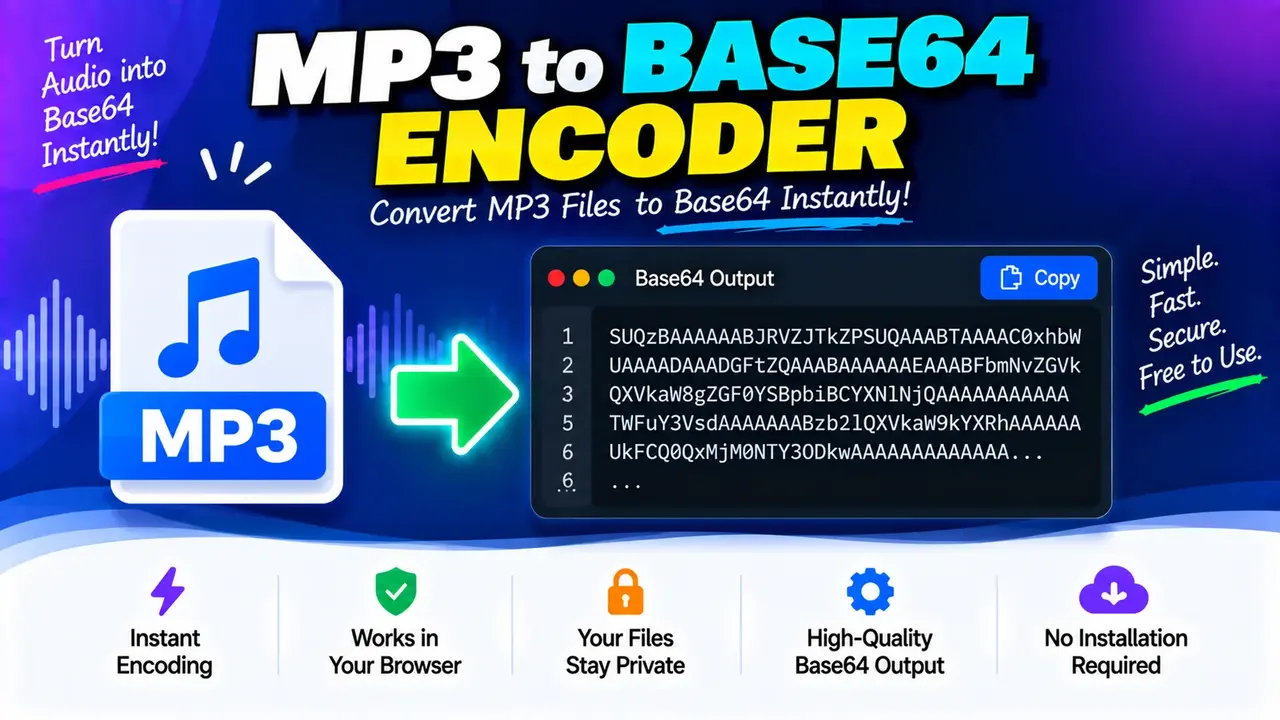
MP3 to Base64 Encoder Online
TL;DR Summary
Online MP3 to Base64 Encoder converts an MP3 file from binary data into Base64 text that can be copied, stored, or used where Base64-encoded data is accepted. The available tool information does not specify how files are processed or stored, so avoid entering sensitive audio files unless the page clearly explains its data-handling behavior.
About This Tool
The MP3 to Base64 Encoder is a file conversion tool designed to turn an MP3 audio file into a Base64-encoded text representation. MP3 files are normally stored as binary data, while Base64 represents binary data using text characters. This makes the encoded result useful in situations where an application, document, API, or development workflow expects audio data in text form.
Base64 encoding does not convert an MP3 into another audio format. The audio remains MP3 data after encoding. The main change is the way that data is represented. Instead of reading the file as binary bytes, a system can represent those bytes as a sequence of Base64 characters.
This tool can be useful for developers, web designers, students, testers, and users working with applications that accept Base64-encoded files. It can also help when you need to inspect or copy an encoded representation of an MP3 rather than work directly with the original binary file.
What You Need to Provide
The main input for an MP3 to Base64 Encoder is an MP3 audio file. The file contains the binary audio data that will be encoded. The exact file-size limits, upload controls, and optional settings are not specified in the available tool information, so this page does not assume that the encoder supports a particular maximum file size or additional configuration.
The input should be an MP3 file when the tool is specifically being used for MP3-to-Base64 conversion. Other audio formats should not be assumed to be supported simply because they are audio files. If the tool interface lists additional formats, follow the formats shown there.
What the Tool Produces
The output is a Base64 representation of the MP3 file's binary data. Base64 output is text, so it can be copied into another application or development environment that accepts Base64 data.
A Base64 string commonly contains letters, numbers, and a small set of special characters. Depending on how the encoded value is used, an application may also place a data-type prefix before the Base64 content. This tool description does not confirm whether the Toolhox implementation adds such a prefix, so the exact output format should be taken from the result shown by the tool itself.
How to Use MP3 to Base64 Encoder
- Step 1: Select the MP3 audio file you want to encode using the file input provided by the tool.
- Step 2: Start the encoding operation using the control provided on the tool page.
- Step 3: Wait for the Base64 representation of the selected MP3 file to be produced.
- Step 4: Review the generated text and copy it if you need to use the encoded value elsewhere.
- Step 5: Use the Base64 text only in a system or workflow that accepts Base64-encoded audio data.
Technical Explanation: How MP3 to Base64 Encoding Works
Base64 is an encoding method that represents binary data as text. An MP3 file is made up of binary bytes. Standard Base64 encoding processes those bytes in groups and maps the resulting values to a 64-character alphabet.
The standard Base64 alphabet contains:
| Character Group | Characters |
|---|---|
| Uppercase letters | A–Z |
| Lowercase letters | a–z |
| Numbers | 0–9 |
| Special characters | + and / |
| Padding | = |
The standard Base64 process takes three input bytes at a time. Three bytes contain 24 bits. Those 24 bits are divided into four groups of 6 bits. Each 6-bit value maps to one character in the Base64 alphabet. If the final group contains fewer than three bytes, padding may be added with the = character.
In simplified form:
3 bytes = 24 bits = 4 Base64 values × 6 bits
The encoding does not represent the MP3 as four times its original size. However, standard Base64 representation is larger than the original binary data because every group of three bytes is represented by four Base64 characters. For large audio files, this means the Base64 text can be noticeably larger than the original MP3.
Simple Example
For illustration, suppose a binary input begins with three bytes represented in hexadecimal as 4D 50 33. Standard Base64 encoding maps those bytes to the text TVAz. This small example demonstrates the encoding process; it is not an MP3 audio sample.
| Input Representation | Encoded Representation |
|---|---|
| Binary bytes | Base64 text |
4D 50 33 |
TVAz |
Base64 Is Encoding, Not Encryption
Base64 should not be treated as a security or privacy method. Encoding changes the representation of data, but it does not protect the audio with a password or make the content secret. Anyone with the Base64 value and a suitable decoder can reconstruct the original bytes.
This distinction matters when working with private or sensitive recordings. If an MP3 contains confidential information, do not assume that converting it to Base64 makes it safer. The available tool information does not document the page's upload, processing, or storage behavior, so users should review the site's stated privacy information before using sensitive files.
Common Uses
- Preparing MP3 binary data for a system that accepts Base64 text.
- Testing software that handles Base64-encoded audio.
- Inspecting how an MP3 file can be represented as text.
- Moving audio data through text-based workflows that specifically support Base64.
- Working with development examples where binary file data needs a text representation.
Important Limitations
Base64 encoding does not compress an MP3 file. It also does not improve audio quality, change the bitrate, change the codec, or convert the MP3 into another audio format. The original audio data is represented differently, but the underlying MP3 content is not intended to be edited by the encoding step.
Base64 text can also be less convenient than the original MP3 file when dealing with large audio files. The encoded representation is larger and may be harder for a person to read or manage manually. Applications should therefore use Base64 when their format or interface requires it, rather than assuming that Base64 is a better general-purpose storage format for audio.
The exact behavior of the Toolhox implementation, including file-size limits, browser processing, upload handling, storage, output formatting, and any additional controls, is not specified in the supplied tool information. Those details should be confirmed from the live tool interface rather than assumed.
When You Should Not Rely on the Result Alone
For ordinary encoding tasks, the Base64 output can be used wherever the receiving system expects standard Base64 data. For software development, however, you should also confirm that the receiving system expects standard Base64, uses the correct character set, and handles padding correctly. If the receiving system requires a specific data URI or MIME format, follow that system's documentation because the Base64 text itself and a complete data URI are not necessarily the same thing.
Why Use This MP3 to Base64 Encoder & How Our MP3 to Base64 Encoder Beats the Competition
The practical difference between an online encoder and other approaches is mainly the amount of manual work involved and the level of control available. The table below compares common approaches without making claims about specific competing products.
| Method | Ease of Use | Calculation Speed | Best For | Limitations |
|---|---|---|---|---|
| Toolhox MP3 to Base64 Encoder | Designed around MP3-to-Base64 conversion | Depends on the file and implementation | Users who need an MP3 represented as Base64 text | Exact file limits and processing behavior are not specified here |
| Manual Base64 Encoding | Requires technical steps | Depends on the method used | Users building or testing their own encoding process | More manual work and greater opportunity for input or handling errors |
| Spreadsheet Calculation | Not designed for binary MP3 encoding | Depends on available functions or scripts | Structured numeric or text calculations | Usually requires additional handling for binary audio data |
| Professional Development Software | Requires setup and technical knowledge | Depends on the software and implementation | Automated or repeated encoding workflows | More setup than a single conversion task may require |
Assumptions and Limitations
- The intended input is an MP3 audio file.
- The intended output is a Base64 text representation of the MP3 data.
- Standard Base64 encoding is the underlying method described here; the exact hidden implementation is not provided.
- Base64 encoding is not encryption and should not be treated as a security feature.
- Base64 output is larger than the original binary representation.
- The supplied information does not establish a specific maximum MP3 file size.
- The supplied information does not establish whether processing occurs in the browser, on a server, or through another system.
- The supplied information does not establish whether uploaded files or generated results are stored.
- Users working with sensitive audio should review the applicable privacy information before using the tool.
For development work, always verify the output against the requirements of the system receiving the Base64 data. In particular, check whether that system expects plain Base64 text, a MIME-prefixed value, or another specific format.