Openai Api Cost Calculator Online
Estimate OpenAI API costs from input and output tokens. Calculate token usage and total estimated API costs for planning.
Please complete this field to continue.
Please complete this field to continue.
Please complete this field to continue.
Please complete this field to continue.
Please complete this field to continue.
Please complete this field to continue.
Please complete this field to continue.
Please complete this field to continue.
Please complete this field to continue.
Please complete this field to continue.
Results
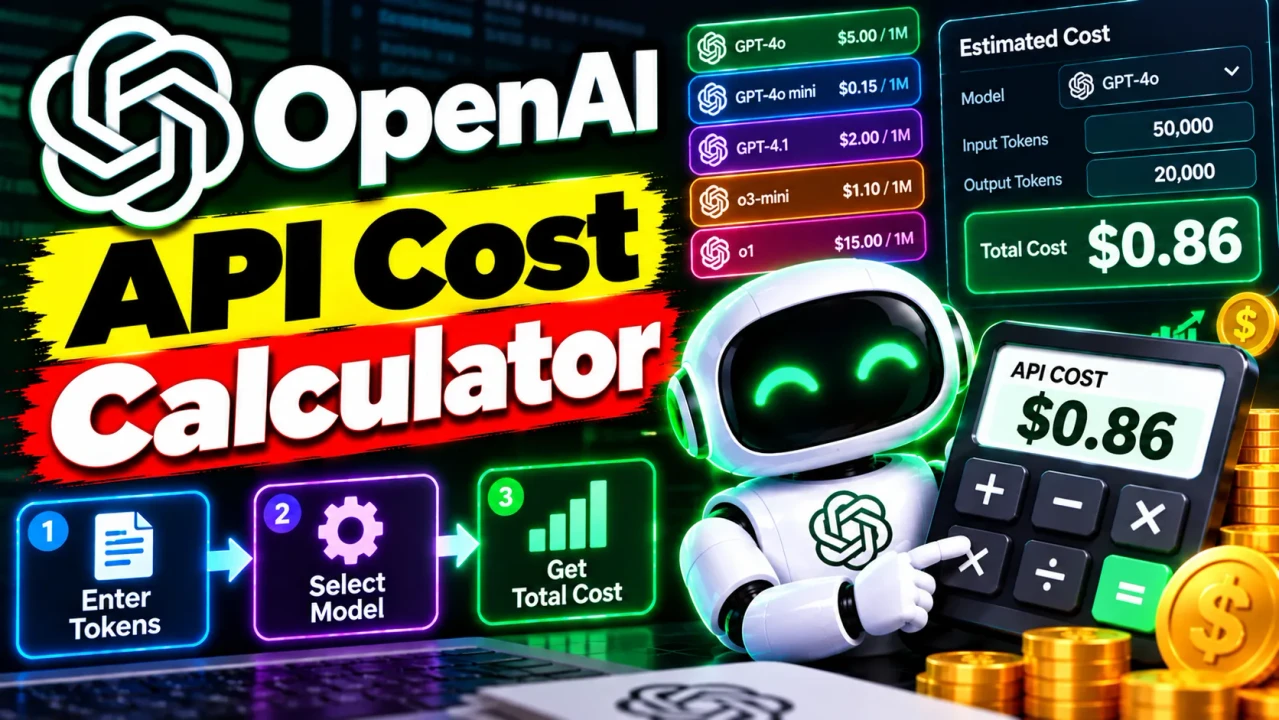
Openai Api Cost Calculator
TL;DR Summary
The Openai Api Cost Calculator is designed to estimate the cost of using the OpenAI API based on token usage and applicable API pricing. It is intended for planning and estimation, and the available information does not confirm how the page processes or stores entered data, so users should avoid entering sensitive information unless the page clearly explains its data handling.
About This Tool
The Openai Api Cost Calculator helps developers, businesses, and API users estimate how much an OpenAI API workload may cost. API bills can depend on the amount of input and output processed, the model selected, and the pricing rate that applies to that model or service. A cost calculator makes these values easier to understand before you build a usage plan, estimate a monthly budget, or compare different usage levels.
The main idea is simple: determine how many tokens are used, apply the relevant price per token, and calculate the estimated cost. A token is a small unit of text processed by an AI model. Token counts are not exactly the same as word counts, so token-based estimates are more useful for API cost planning than simply counting words or messages.
This tool is useful for software developers, AI application builders, startup teams, technical project managers, researchers, and businesses that need a practical way to estimate API spending. It can also help someone understand how changes in usage may affect a budget. For example, a developer can estimate the cost of a workload using a certain number of input tokens and output tokens, then repeat the calculation for another usage level.
What the Calculator Is Used For
The Openai Api Cost Calculator is intended to turn token usage and API pricing information into a cost estimate. This is useful when planning an application that sends prompts to an OpenAI model and receives generated responses.
A typical API cost calculation separates input tokens from output tokens. Input tokens represent information sent to the model. Output tokens represent information generated by the model. If a pricing rate is supplied for each category, the calculator can apply the appropriate rate to each amount and combine the resulting costs.
The tool's exact controls and internal implementation are not provided in the supplied material. Therefore, the calculator should be understood as a cost-estimation utility rather than a statement about hidden billing logic. The exact result depends on the inputs and pricing assumptions used by the page.
Inputs and Outputs
For an OpenAI API cost calculation, the key values normally needed are the model or pricing option, the input token quantity, and the output token quantity. A calculator may also provide fields for different pricing categories when applicable.
| Value | Purpose | Typical Unit |
|---|---|---|
| Model or pricing option | Identifies the rate used for the estimate | Model name or pricing category |
| Input tokens | Represents tokens sent to the API | Tokens |
| Output tokens | Represents tokens generated by the API | Tokens |
| Input price | Rate applied to input usage | USD per 1 million tokens |
| Output price | Rate applied to generated usage | USD per 1 million tokens |
| Estimated cost | Combined estimated API usage cost | USD |
The final output is an estimated cost based on the values used in the calculation. If the calculator supports additional pricing categories, those values may affect the result as well. Always check which pricing assumptions are being used before treating an estimate as a budget figure.
How to Use the Openai Api Cost Calculator
- Step 1: Select or identify the OpenAI model or pricing option that matches the API usage you want to estimate.
- Step 2: Enter the expected number of input tokens and output tokens for the workload you want to measure.
- Step 3: Review the pricing rates used by the calculator and make sure they match the pricing basis you intend to use.
- Step 4: Run the calculation and review the estimated API cost shown by the tool.
- Step 5: Repeat the calculation with different token volumes or pricing options when you want to compare usage scenarios.
Technical Explanation / Formula
The exact internal formula of the supplied calculator is not available. For an OpenAI API token-cost calculator, the standard calculation is:
Input Cost = Input Tokens ÷ 1,000,000 × Input Price per 1 Million Tokens
Output Cost = Output Tokens ÷ 1,000,000 × Output Price per 1 Million Tokens
Total Estimated Cost = Input Cost + Output Cost
Here, Input Tokens and Output Tokens are measured in tokens. The Input Price and Output Price are normally expressed in U.S. dollars per one million tokens. The result is expressed in U.S. dollars.
For example, suppose a hypothetical pricing rate is $2 per 1 million input tokens and $10 per 1 million output tokens. If an application uses 500,000 input tokens and 100,000 output tokens:
Input Cost = 500,000 ÷ 1,000,000 × $2 = $1.00
Output Cost = 100,000 ÷ 1,000,000 × $10 = $1.00
Total Estimated Cost = $1.00 + $1.00 = $2.00
This is a worked example of the standard calculation only. It does not represent a guaranteed price for a particular OpenAI model.
Understanding Token-Based API Costs
Token volume is one of the most important factors in an API cost estimate. A short request with a short response generally uses fewer tokens than a long conversation with large prompts and detailed responses. Applications that repeatedly send the same long context can also have different cost characteristics depending on the pricing features supported by the selected service.
For budgeting, it is often useful to estimate several usage levels rather than relying on one number. You can calculate a smaller test workload, a normal workload, and a larger workload. This gives you a clearer view of how token growth affects estimated spending.
Preset Examples / Quick Reference
| Input Tokens | Output Tokens | Example Input Rate | Example Output Rate | Estimated Cost |
|---|---|---|---|---|
| 100,000 | 20,000 | $2 / 1M | $10 / 1M | $0.40 |
| 500,000 | 100,000 | $2 / 1M | $10 / 1M | $2.00 |
| 1,000,000 | 500,000 | $2 / 1M | $10 / 1M | $7.00 |
The figures in this table are mathematical examples using the displayed hypothetical rates. They are not claims about current OpenAI pricing.
Monthly Cost Planning
If you want to estimate a monthly API budget, first estimate the token usage for one typical request. Then multiply that usage by the expected number of requests. For example, if one workload uses 10,000 input tokens and 2,000 output tokens, you can multiply both values by the expected number of monthly requests before applying the relevant rates.
This approach is useful because API usage can change as an application grows. A product with 1,000 requests per month can have a very different token volume from the same product handling 100,000 requests. The calculator can be used to test those different scenarios when the required pricing inputs are available.
Why Use This Openai Api Cost Calculator & How Our Openai Api Cost Calculator Beats the Competition
The practical value of a cost calculator is that it turns token quantities and pricing rates into a number that is easier to review. Different calculation methods can still be appropriate depending on the size and complexity of a project.
| Method | Ease of Use | Calculation Speed | Best For | Limitations |
|---|---|---|---|---|
| Toolhox Openai Api Cost Calculator | Designed for direct cost estimation | Immediate calculation when inputs are available | Quick API cost estimates and usage planning | Results depend on the inputs and pricing assumptions used |
| Manual Calculation | Requires more effort | Depends on the person doing the calculation | Simple one-off calculations | More opportunity for arithmetic or unit-conversion errors |
| Spreadsheet | Useful after setup | Can calculate repeated scenarios | Custom budgets and larger planning models | Requires setup and maintenance of formulas and pricing data |
| Professional Software | Varies by product | Depends on the software | Complex technical or financial modeling | May provide more features than needed for a simple token-cost estimate |
The comparison is about the general calculation method, not a claim that one method is universally better. For a simple token-cost estimate, a dedicated calculator can make the calculation easier to review. A spreadsheet may be more suitable when a team needs custom forecasting, while more advanced software may be appropriate for larger financial models.
Assumptions and Limitations
The result should be treated as an estimate. The calculation is only as useful as the token counts, pricing rates, model selection, and other values used to produce it. API pricing can change, and different models or service options can have different rates.
The standard formula above also focuses on token-based input and output costs. It should not automatically be assumed to include every possible API charge, tool call, image cost, audio cost, storage charge, special processing option, regional pricing adjustment, or other billable service unless the calculator specifically provides those inputs.
For this reason, use the Openai Api Cost Calculator for planning and comparison rather than as a billing statement. When preparing a production budget, verify the applicable pricing information and billing rules for the exact OpenAI services your application uses.
The supplied tool information does not document a specific privacy or storage policy for user-entered values. Do not enter API keys, passwords, private customer information, confidential business information, or other sensitive data unless the page clearly explains how that information is handled.
For teams building a production application, it is also useful to monitor actual API usage after launch. Estimated token volumes can differ from real usage because prompts, conversation history, system instructions, tool results, and generated responses can change over time.
